Get creative with our first ever Screenshot Competition! Enter Now
Get creative with our first ever Screenshot Competition! Enter Now
Lambda Networks released three big updates: Garry’s Mod now has Photo Mode on all gamemodes via F8, letting players capture shots with adjustable FOV, roll, and depth of field. New tutorials also help beginners learn controls, economy, and gamemode basics. They’ve launched their first Counter-Strike: Source servers—Skill Surf and Bunny Hop—powered by the new C# SourceSharp plugin system. A new KZ climbing gamemode has also arrived in Garry’s Mod with Pro/Teleport modes and checkpoints. Extras include a snowy Militia map variant, new Timer Engine web portals, and automated world record replay videos shared on Instagram, YouTube, and TikTok.
Today we're releasing three major updates.
A little bit late after the announcement of the Winter Photography Competition, but it's now here.
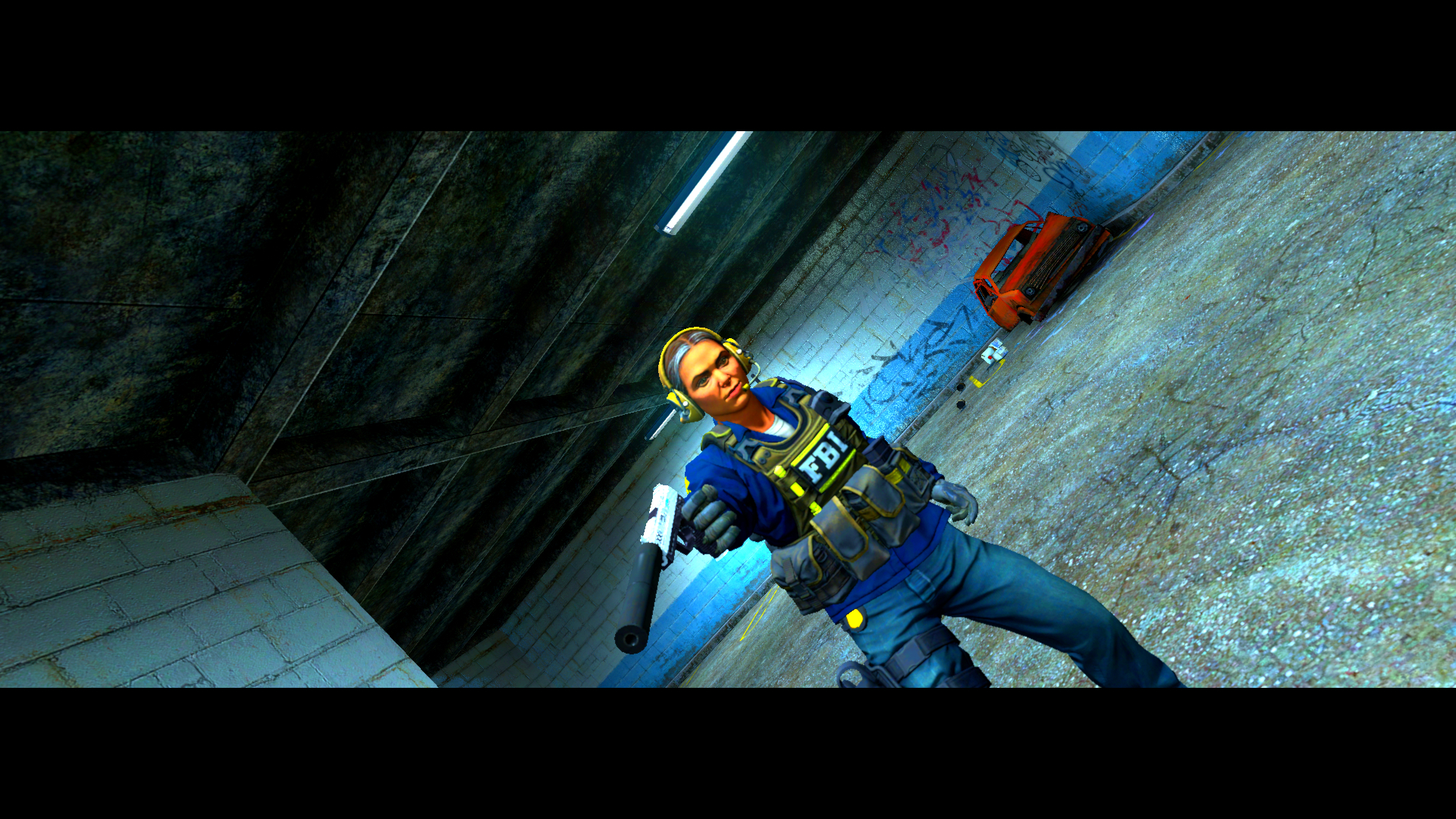
We are pleased to announce a fully fledged photo mode, available on all Gamemodes on our Garry's Mod Servers
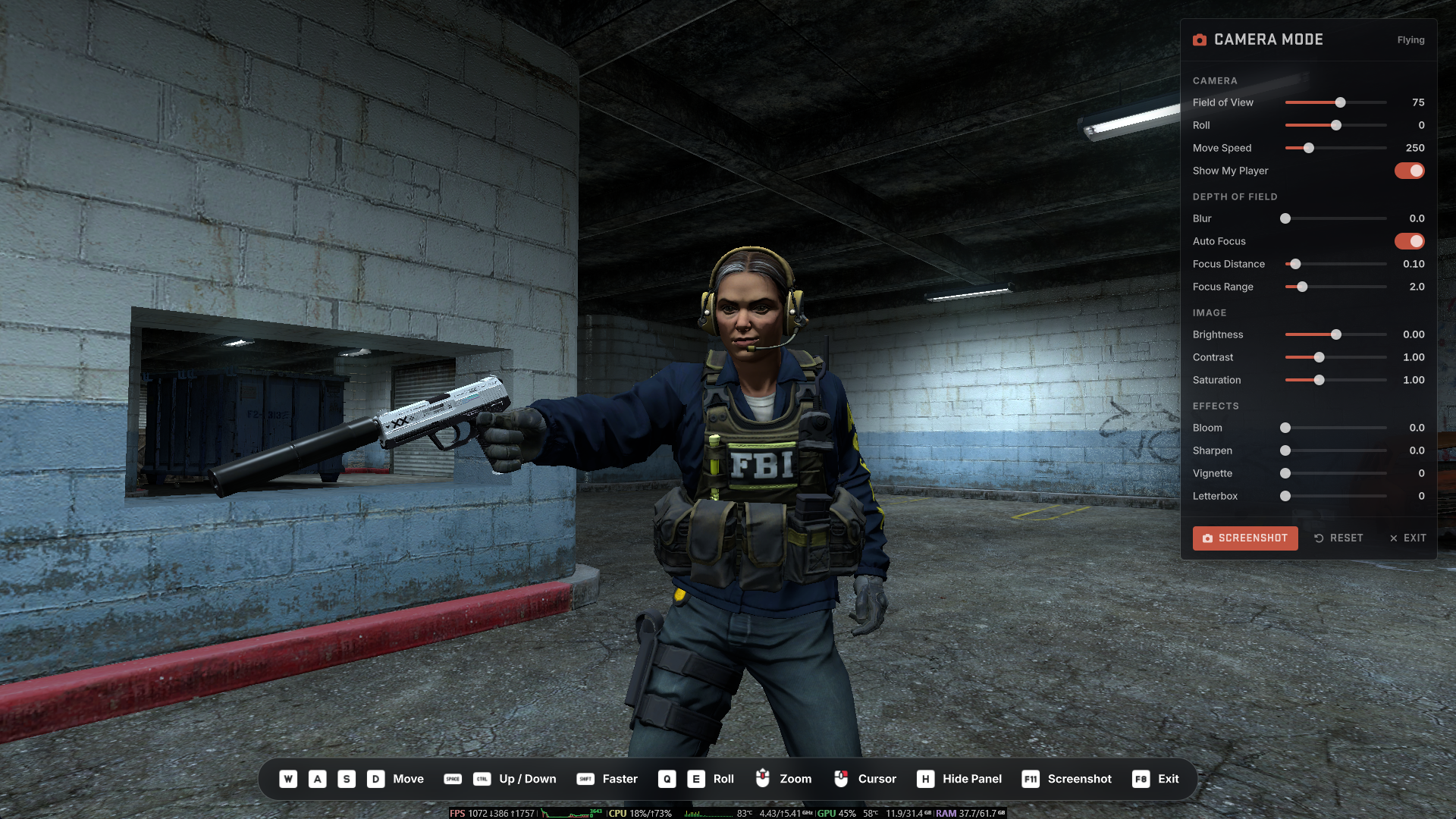
Photo mode allows you to fly around and take pictures (Within 600 units of your player) and make adjustments such as Field of View, Camera Roll, Depth of Field and more.
The new photo mode can be accessed by pressing F8 in-game.
New players will now get prompted upon joining to view a tutorial.
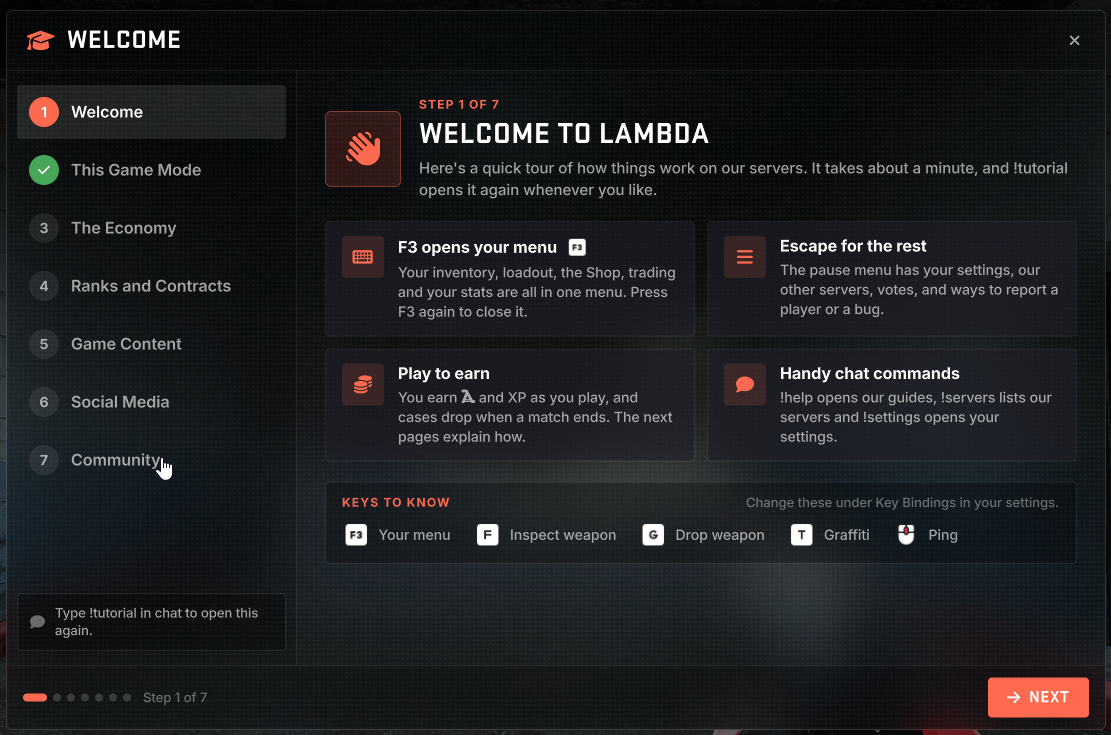
The tutorial covers the basics such as key binds, economy basics plus individual tutorials for each gamemode.
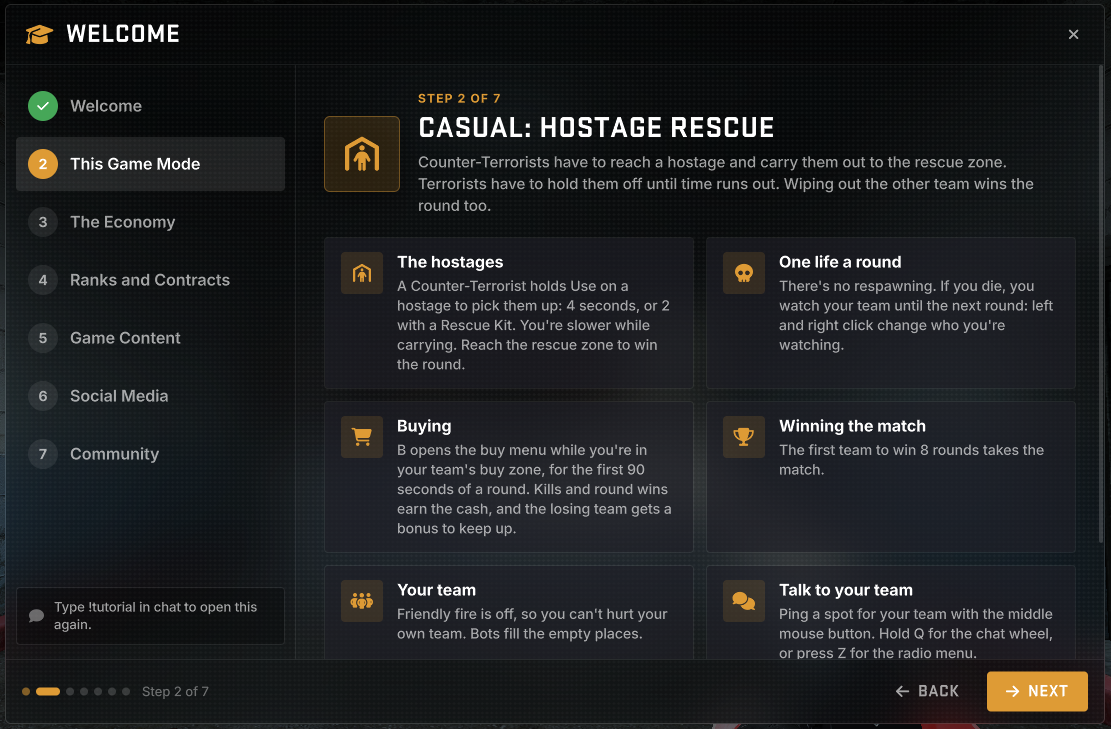
Existing players can access this by using the !tutorial or !welcome chat commands.
We hope that it makes the new player experience better.
We are pleased to announce our first Counter-Strike: Source servers.
Starting with Timer Engine, our first two servers are Skill Surf (Easy) and Bunny Hop (Easy)
Skill Surf (Easy) IP: 148.251.22.195:27015
Bunny Hop (Easy) IP: 148.251.22.195:27020
The servers run our new C# Plugin system called SourceSharp which allows us to write plugins in C#, using our existing libraries for integrations such as the radio and live services.
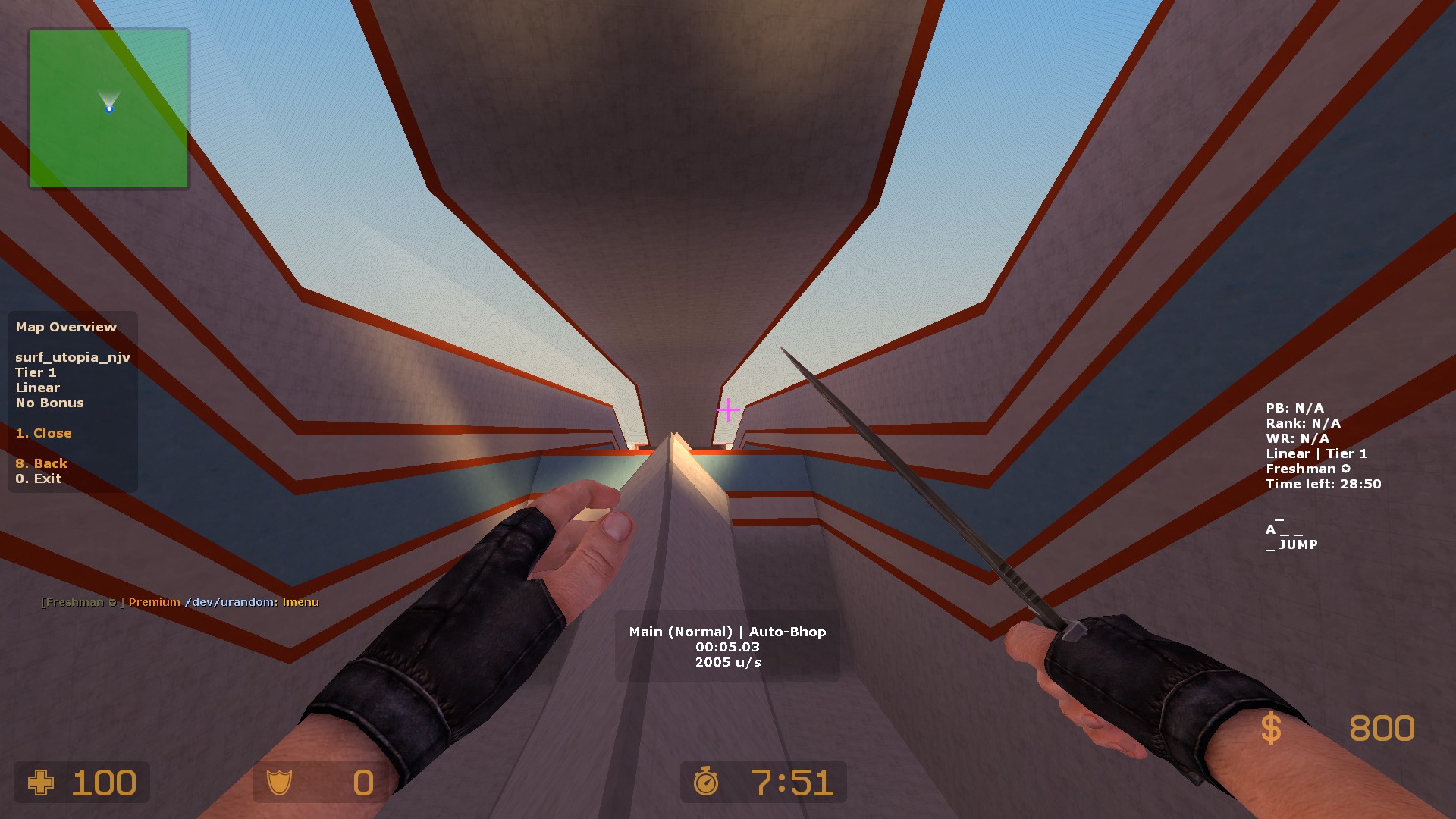
While we cannot create nice looking UI's in CS:Source, most of our Lua code has now been ported over to SourceSharp, which means we can now easily expand in to other source games, including Source 2, such as Counter-Strike 2.
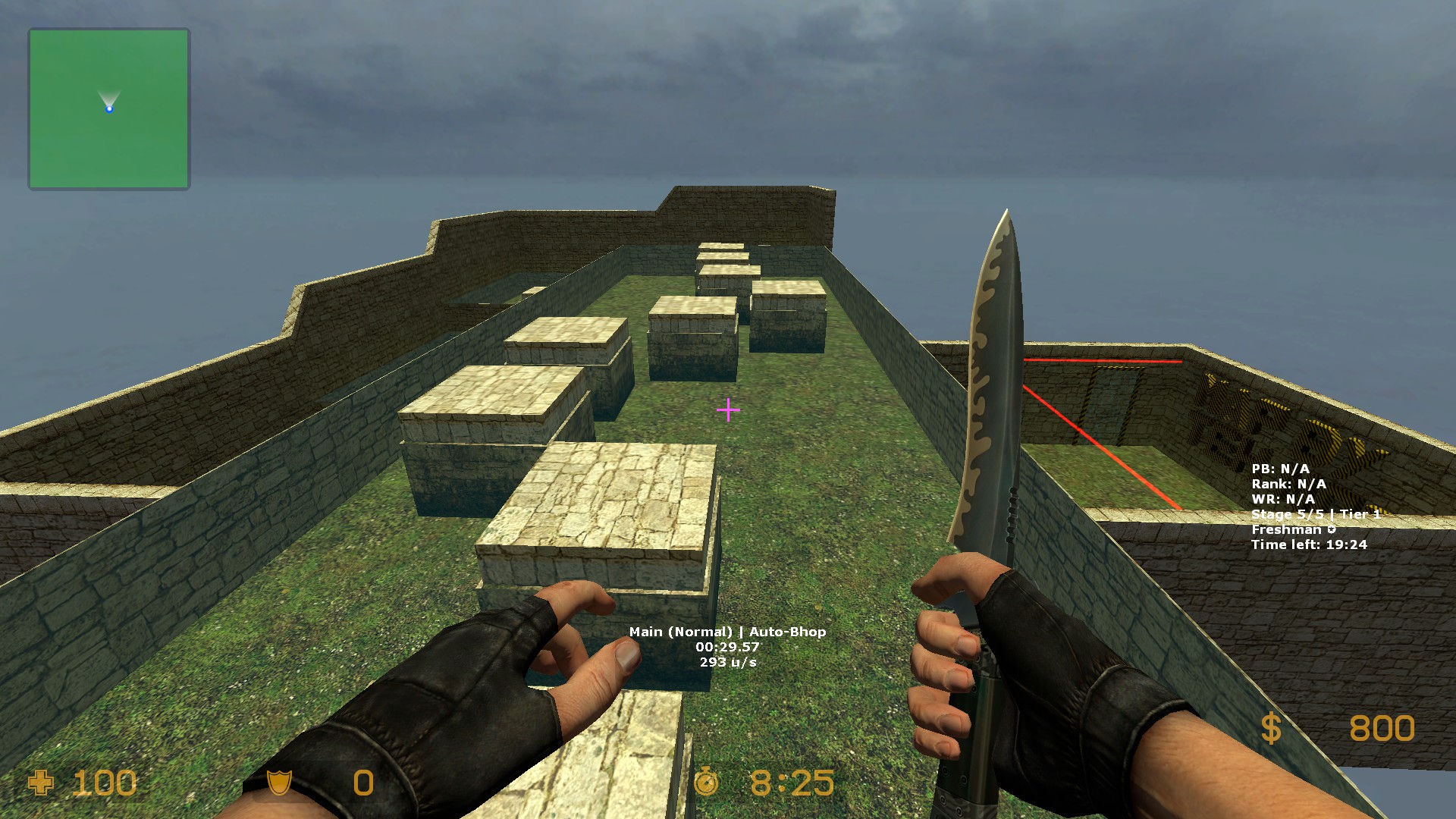
We've added ~20 of the community favourite Surf and Bunny Hop maps, and more will be added over time, including dedicated harder servers that contain higher tiers, with the aim to bring over many of the CSS-based maps we have already on Garry's Mod.
KZ, which stands for Kreedz Climbing is a popular movement based gamemode from Counter-Strike 1.6 and CS:GO.
KZ is now a brand new Timer Engine gamemode
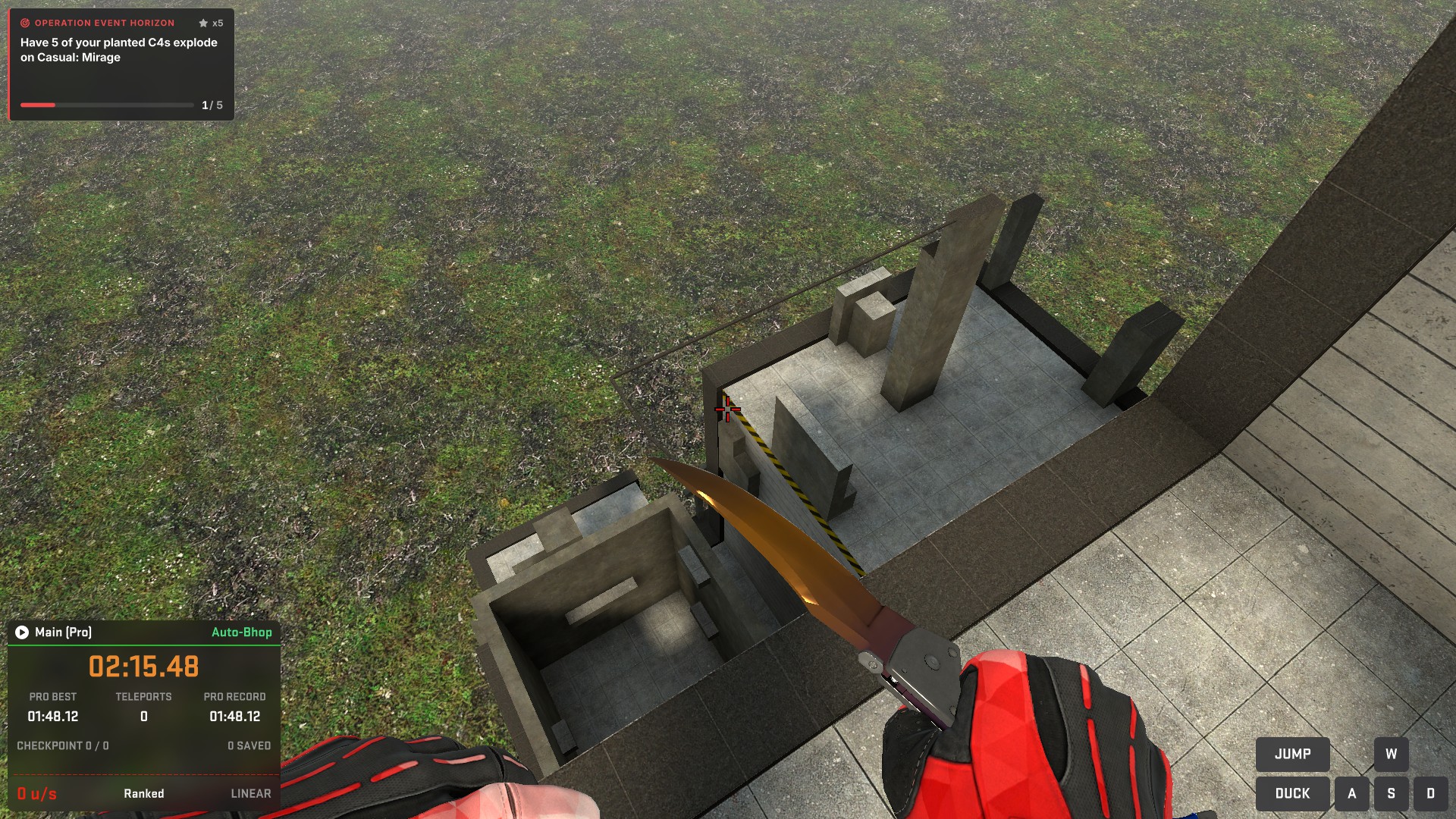
This gamemode also includes features you'd expect to find in traditional KZ servers including two run modes, Pro and Teleport.
Plus the ability to save and teleport to checkpoints.
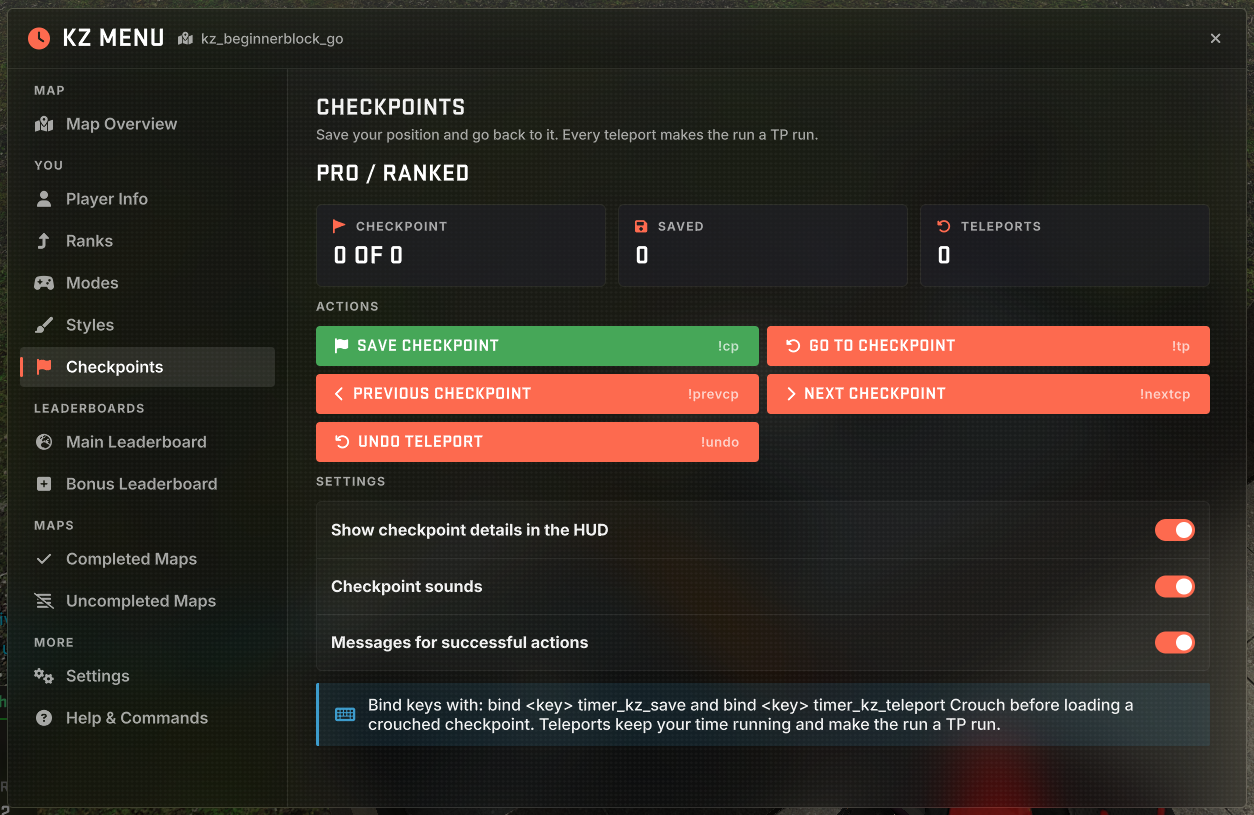
Server Page: https://lambda.tf/server/38-kz-easy-maps-tier-1-2
IP & Port: 148.251.22.214:27215
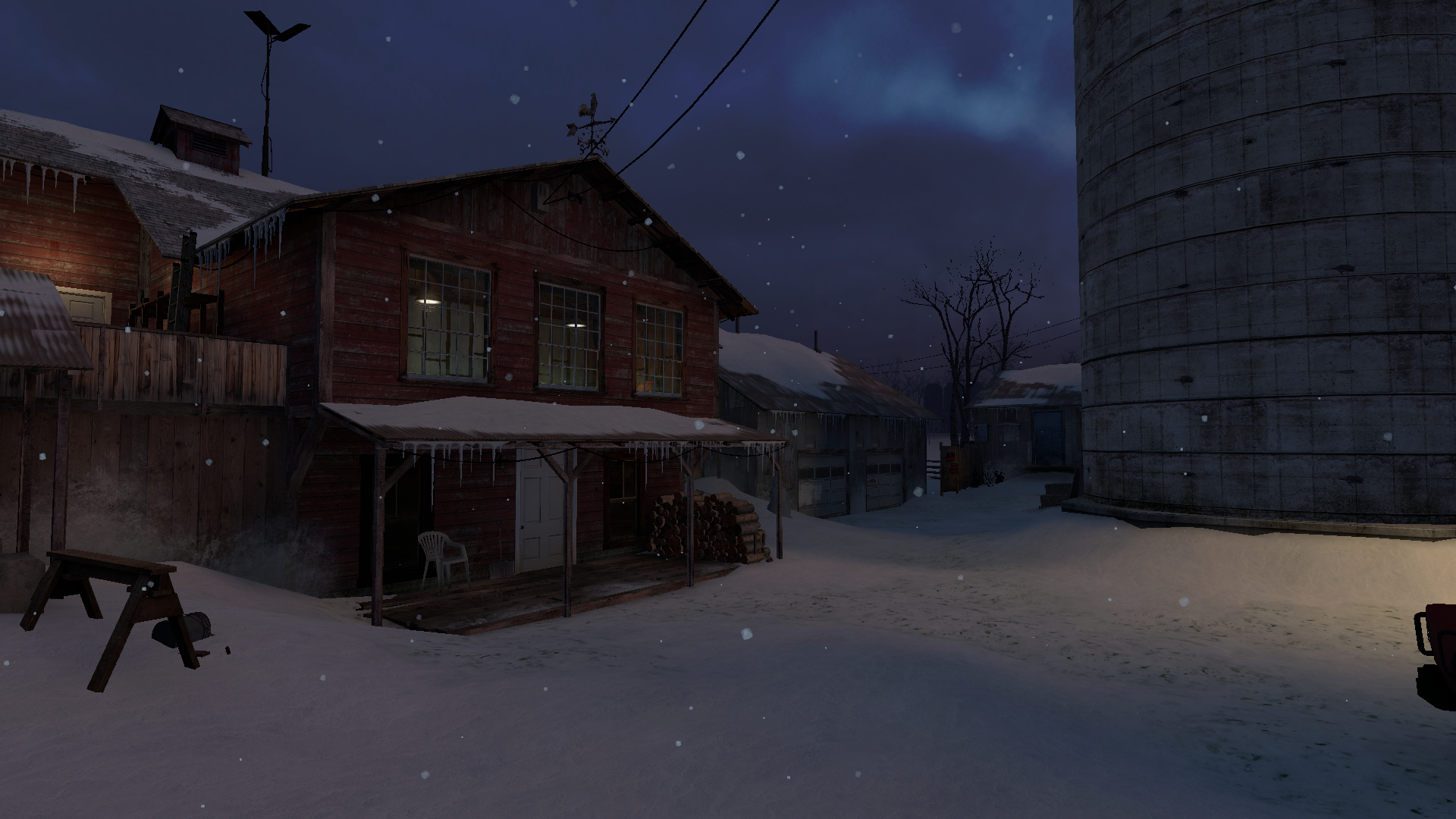
Temperatures are dropping and this is no different for Militia, now available in a cold and snowy version.
Now available on Deathmatch and Casual
There's a new section of the website where you can view the latest activity in Surf, Bunny Hop and KZ.
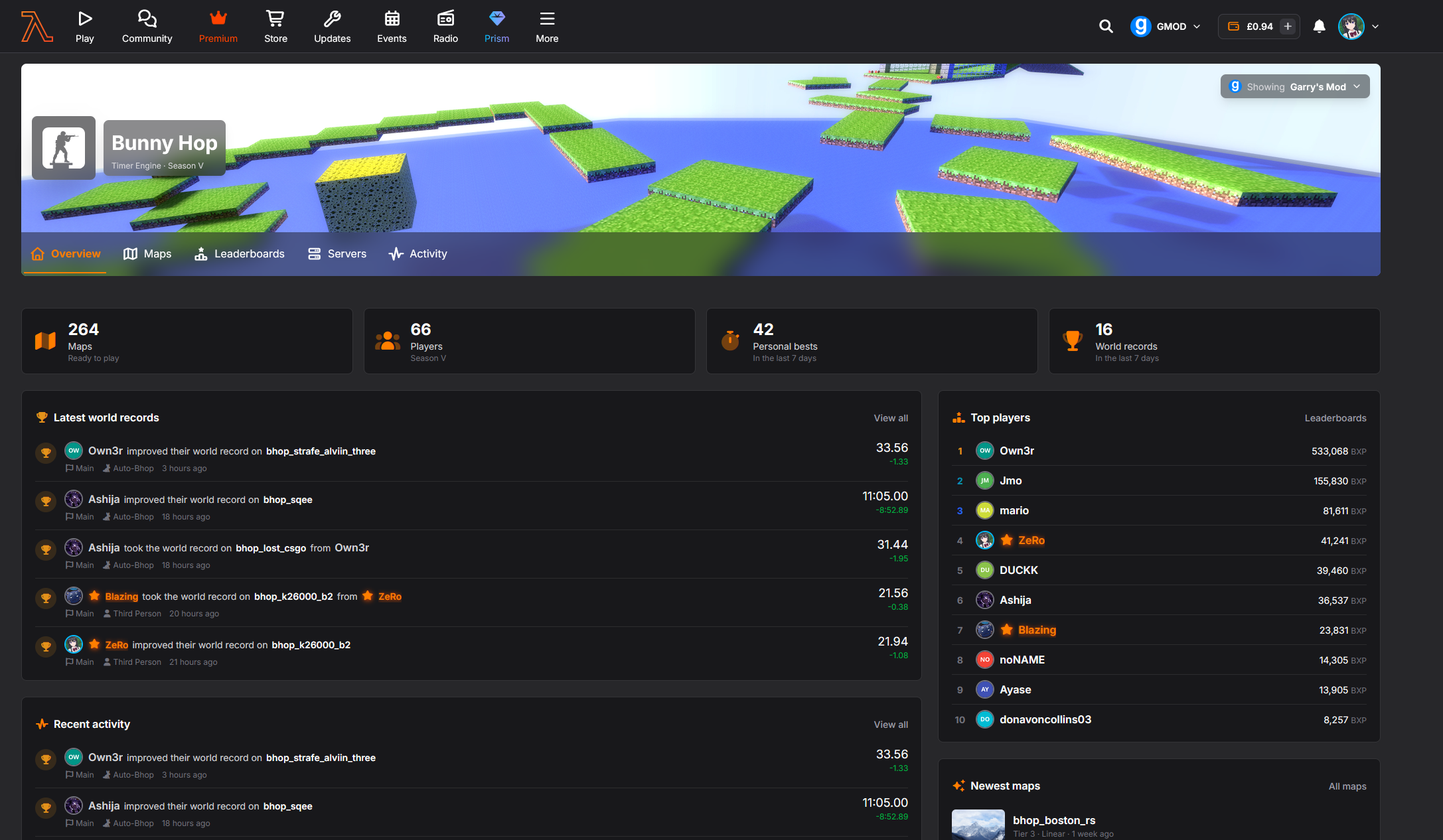
Each Timer Engine Game Type has it's own portal, and you can use the game selector at the top of the website to switch between Garry's Mod and Counter-Strike: Source
Surf Portal: https://lambda.tf/surf
Bunny Hop Portal: https://lambda.tf/bhop
KZ Portal: https://lambda.tf/kz
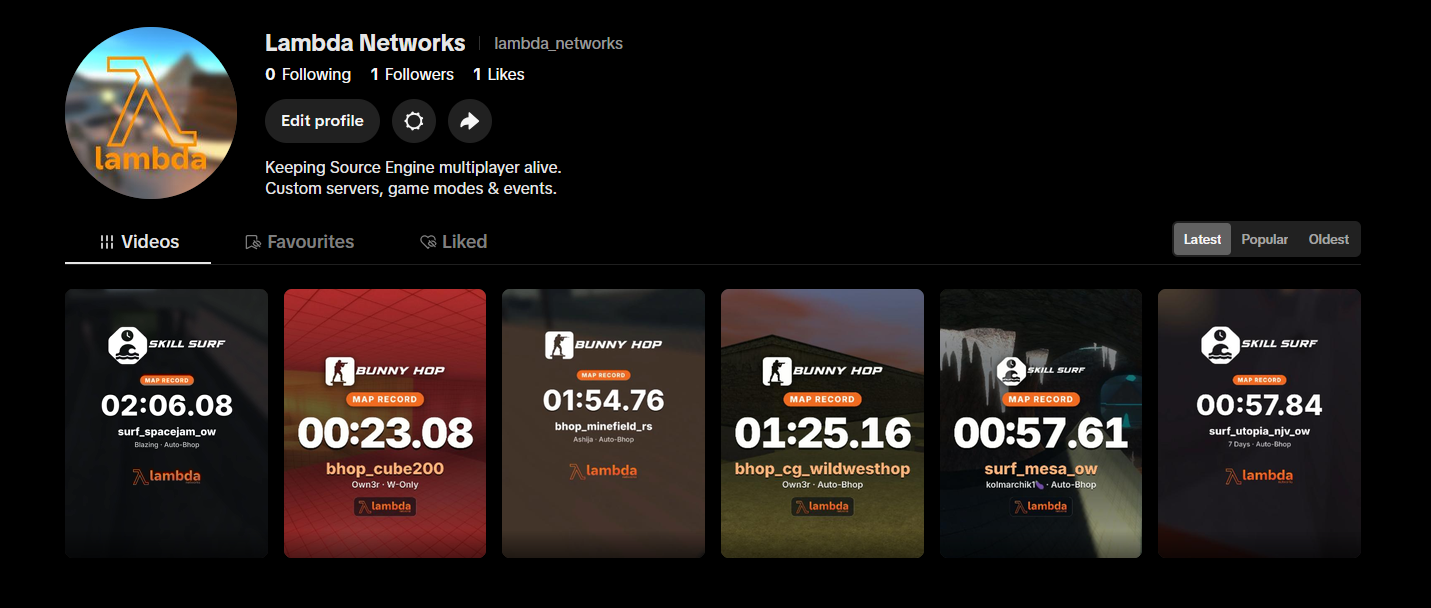
Over the past few days, we've started posting some of the Surf and Bunny Hop map records to Instagram and YouTube.
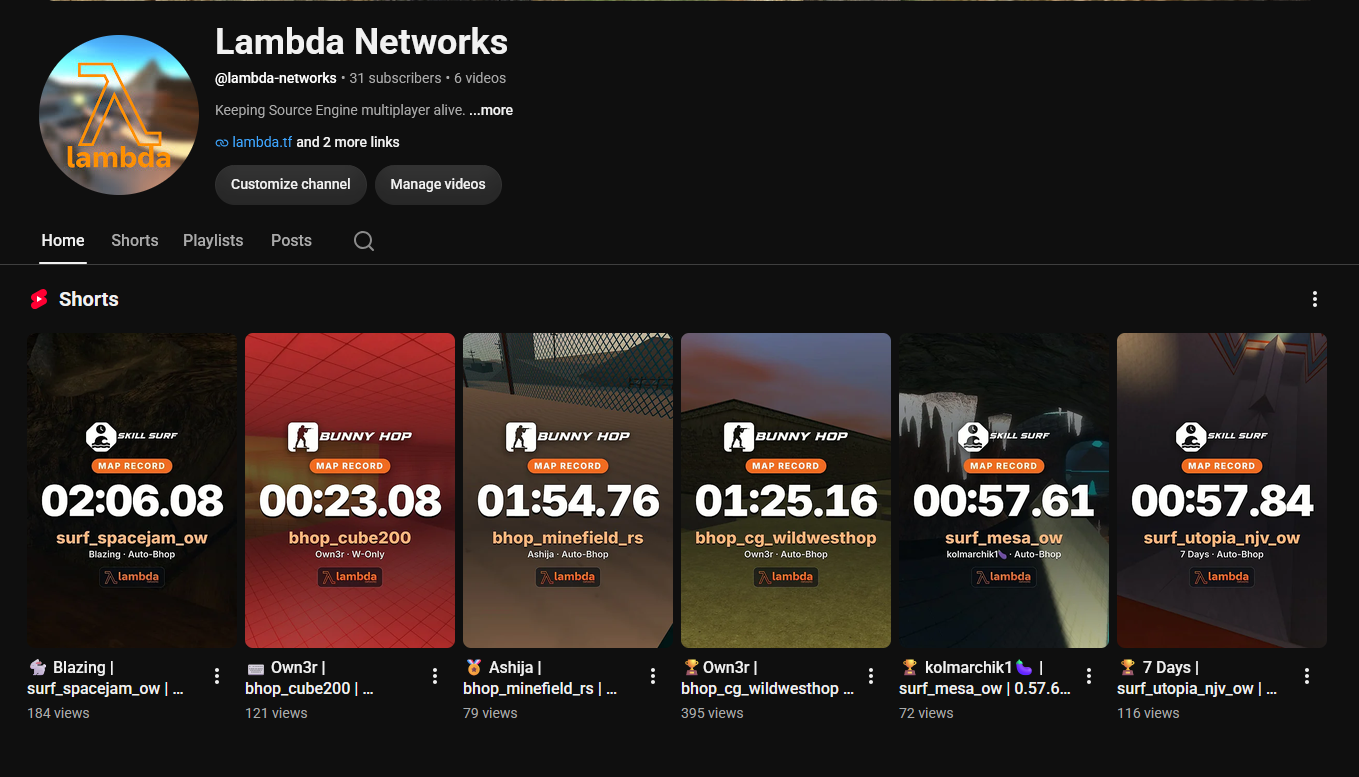
This is done by picking a map and rendering a video, we've now got a tool to generate these easily
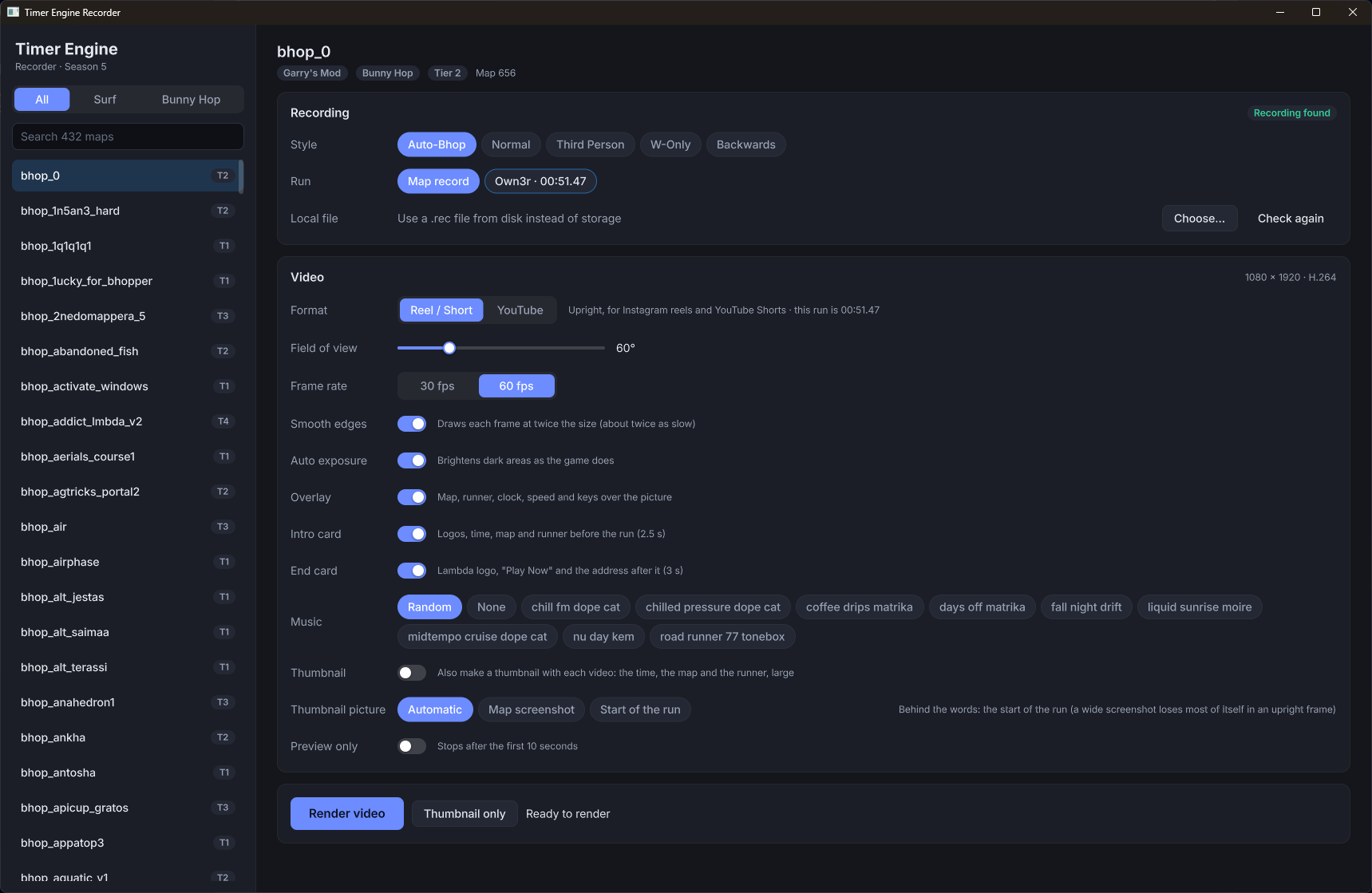
Some longer maps such as Sqee, we'll make in long-form videos which we'll publish on YouTube.
Over the next few days, I'll write a technical blog on how all this works, as it's quite amazing - We can generate videos in minutes ready to be posted.
If you do not value your privacy and use TikTok, we are now uploading the Timer Engine replays there too! https://www.tiktok.com/@lambda_networks
Here are the change logs for today's update.

New players now get a short tour after the MOTD. It covers the menus, the economy, ranks and contracts, the game content to install, our social media and the Steam group reward, and has a page about the game mode you are playing. It only shows once. Anyone can open it again with !tutorial, !welcome, !guide or !newplayer, or with the new Tutorial button in the pause menu.
Press F8 to fly a free camera around your player and take screenshots. You can zoom, roll the camera, and adjust depth of field, brightness, contrast, saturation, bloom, sharpen, vignette and letterbox. F11 takes the screenshot without the settings panel in it. The camera stays close to you and cannot pass through walls. While you are alive it only shows your own team, so it cannot be used to find enemies. Spectators see everyone.
Some of our material files were saved in a text format that the Linux version of the game cannot read. They have been re-saved, and the fix is delivered through the workshop content.
A switch could look like it had changed while the setting stayed as it was, so it had to be flipped several times.
With the mission HUD turned off, the daily challenge HUD now shows in its place.
Created by @ChaosKuro
When enabled, you no longer hear footstep and jump sounds from yourself or other players. Other players still hear them as normal. Radio and interface sounds are not affected.
When enabled, you no longer hear the sounds Bunny Hop platforms and map buttons make when they move. Other players still hear them as normal.
Fixed on Surf & Bunny Hop
You are now on a bomb site when your feet are inside it, not when any part of your body touches it. Before, the bomb could be planted just beside a site or on the stairs below it, and bots would stop to plant at the edge. Overlapping site areas now count as one site.
The magazine now holds 7 rounds instead of 12.
This meant content from the base gamemode was not mounted, which includes Player Models, this was fixed on:
A portal for each Timer Engine Game Type:
Made it clearer when you are viewing content for a specific game, and provided a overhauled select menu for games.
Tier 1 Surf Maps
Tier 1 & 2 Maps


