
👻 Psst Use code SPOOKY2026 at checkout for 30% off on the Lambda Store up until
Today’s website-focused update revamps LambdaNet with a redesigned UI, rebuilt lobby browser, region selection, custom lobby names, kick tools, mission viewing, game customizations, and improved invites via links or friends. It also lays groundwork for expanded game support, including CS2 and legacy Counter-Strike titles. Additionally, Lambda Labs launches as an opt-in experimental hub for testing upcoming website and in-game features. Its first experiments are an AI Help Assistant, “Lambda-Chan,” for answering Lambda-related questions, and Docs User Guides, which let users collaboratively create, edit, preview, and organize community documentation in the content creation docs space.
This is very much a website focused update that we're releasing today.
See below for all the new changes.
LambdaNet has received a UI overhaul and a code refactor.
We've bought LambdaNet in to the main website; it now feels apart of the website rather than a seperate website all together.
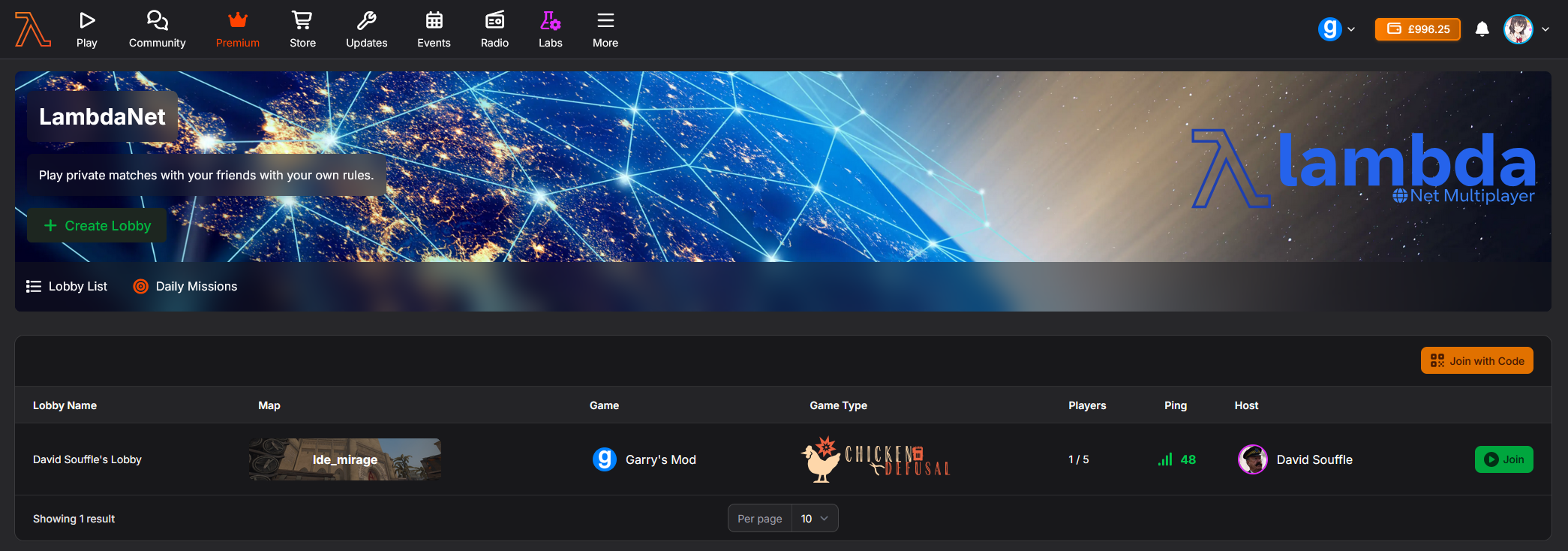
From the get go, the lobby browser has been re-made from scratch, clearly showing the map and gametype.
New additions include the ability to name your lobby, and you can now see the ping of lobbies as upon creation you can now select which region you'd like your matchmaking experience to be in.
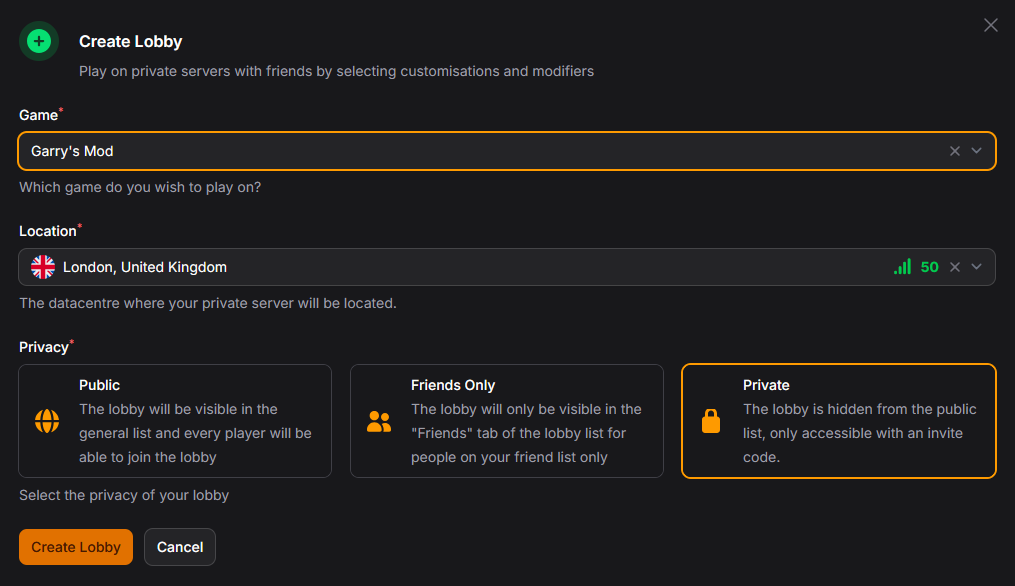
When creating a lobby, you can now select a location, however at the time of writing the only available location is Falkenstein.
As we expand in to other regions, you will be able to select a region closest to you based on ping.
Sensible defaults are set so creating a lobby is not an obstacle, however you can customise it how you wish.
A new addition is the ability to change the game.
As we look to expand in to CS2 this year, we'll be expanding support for LambdaNet in to CS2 and allowing players to play on legacy games too such as Counter-Strike: Source and Global Offensive.
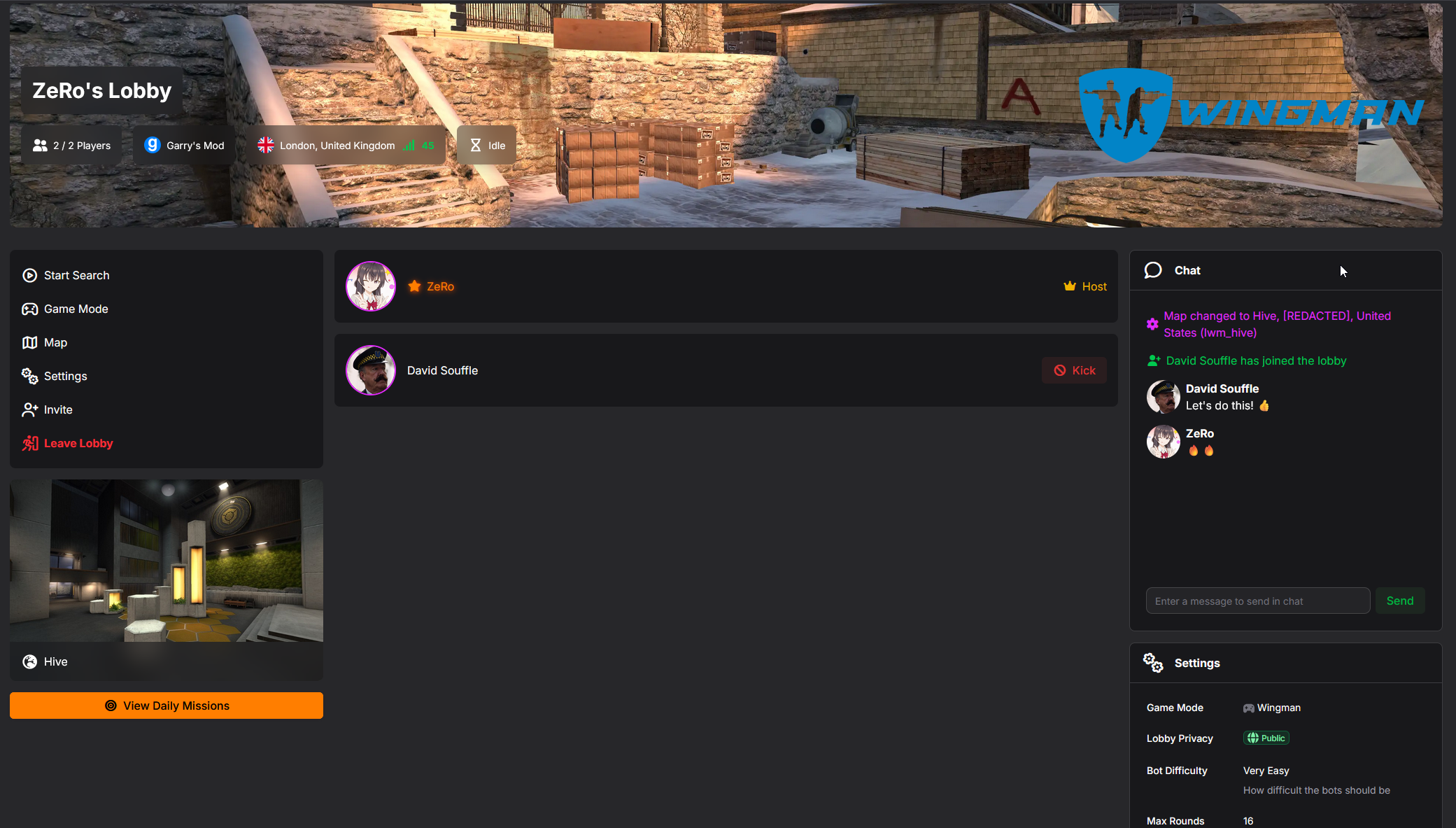
The Lobby interface has also been redesigned, making less important aspects smaller while also introducing some new functionality
You an now kick other users from your lobby, you'll notice anyone who joins your lobby will have a kick button next to their name
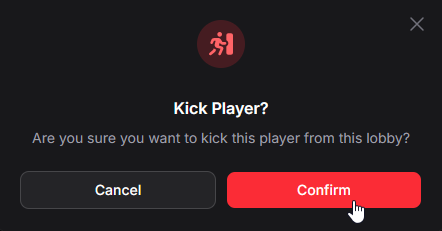
Once kicked, that user will remain banned from the lobby unless you disband and create a new one
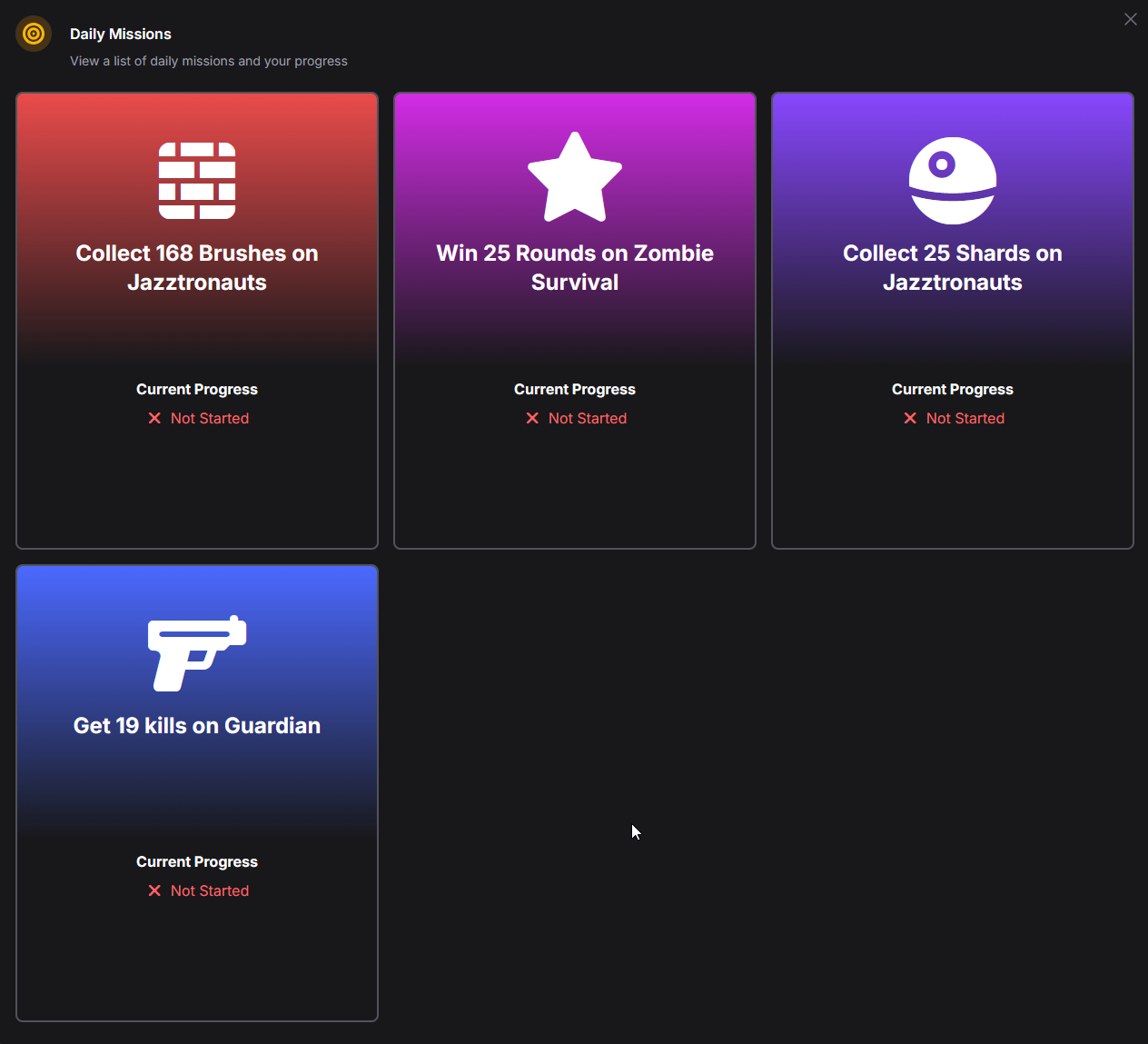
There's a new "View Daily Missions" button and this does exactly what it says on the tin: Allows you to easily view the active daily missions and your current progress
Some gamemodes (Currently Wingman & Elevator: Source) support game customisation.
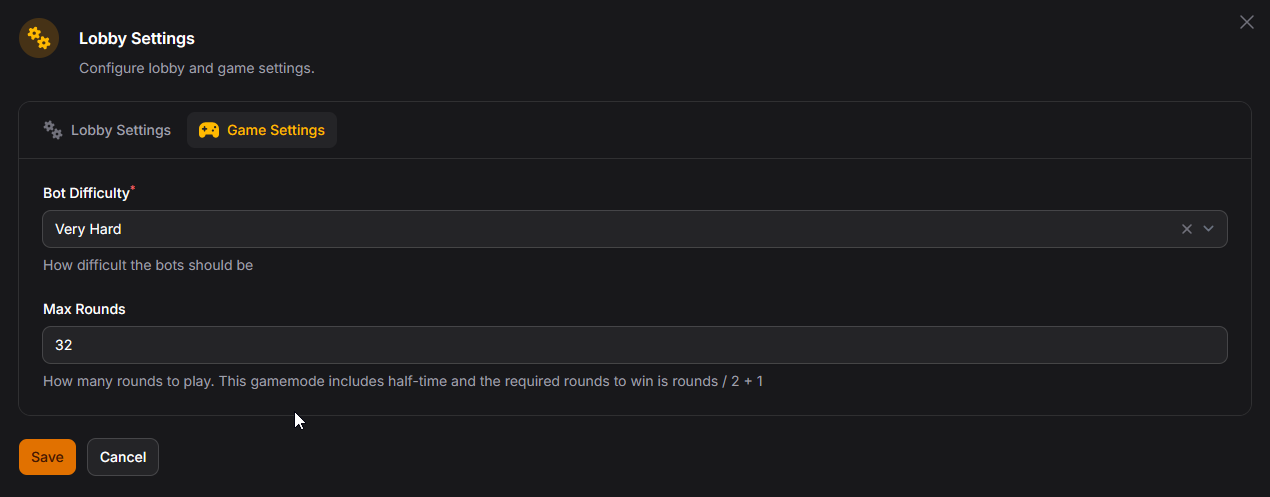
This let's you customise the aspect of your game. Want more rounds? Go ahead
Want to increase the challenge? Set the bot difficulty to Very Hard.
We plan to expand game settings to other gamemodes within Lambda Net over the next few weeks and months.
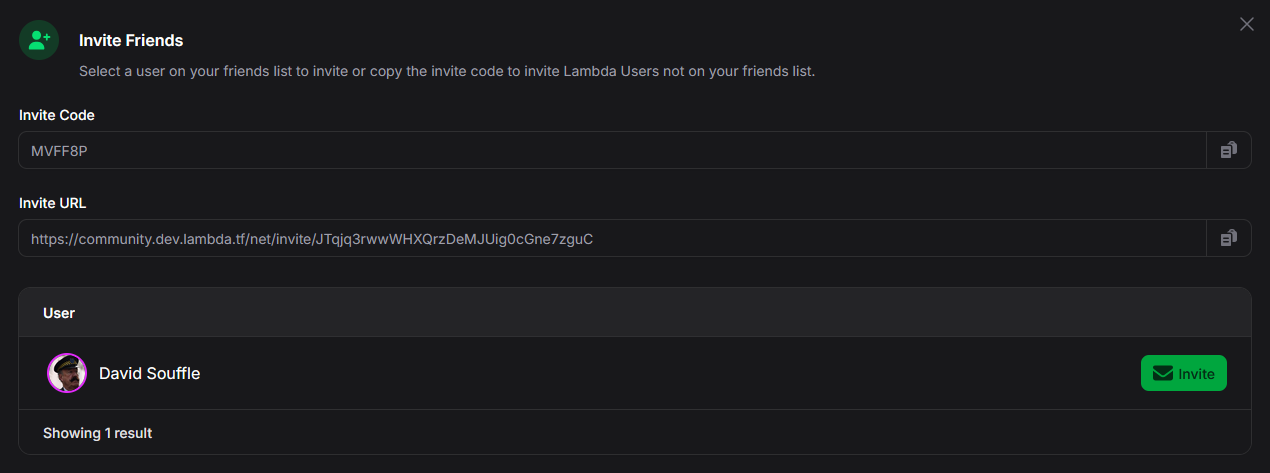
In addition to the code system we had in LambdaNet v1, you can now copy an invite URL to send over messaging apps, or you can invite users on your friends list directly.
Lambda Labs is a new way for us to work on new ideas and features and get direct feedback.
We've implemented Feature Flags which allow us to hide functionality behind a flag before we deploy publicly.
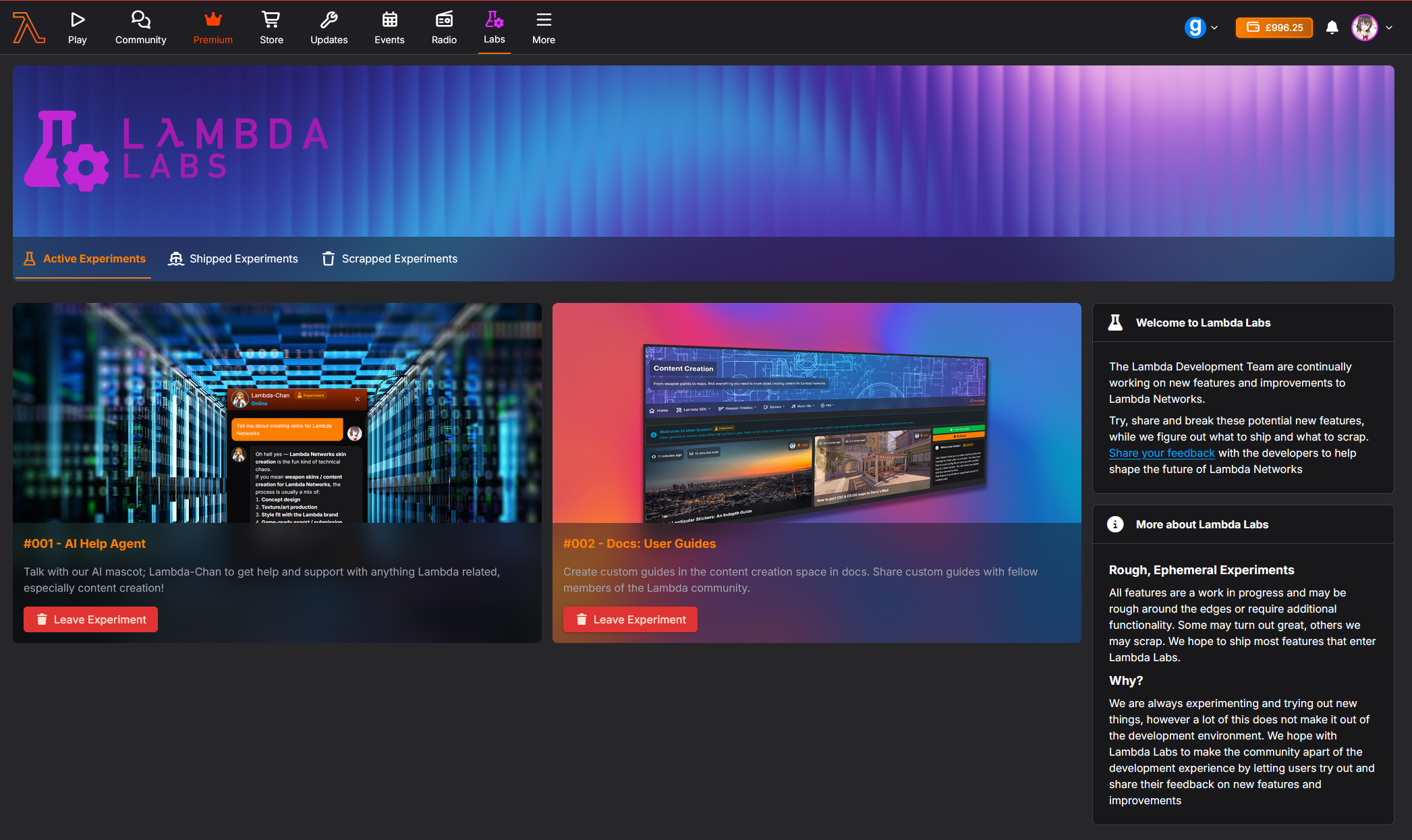
Lambda Labs is available for all users, however it is opt-in by default. Head on over to Account Settings and toggle "Enable Lambda Labs"

Save your account settings and then refresh the page, you should then see this new Labs tab:
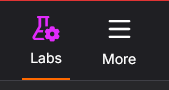
Lambda Labs is a unified area for both website and in-game features, and we'll start rolling out new ideas and features in-game using Lambda Labs.
Love it or loathe it, AI is everywhere nowadays and while we've been using it for development and in other areas such as text chat for bots, we've never really gone further than that.
The first available experiment in Lambda Labs is the ability to chat to our AI Mascot; Lambda-Chan.
You can ask her questions regarding anything Lambda related whether it be content creation or if you need help with commands.
Once you have opted in to Lambda Labs, join the experiment and refresh the page, you will then see a orange cirle with a lifering; clicking on this will open the chat window.
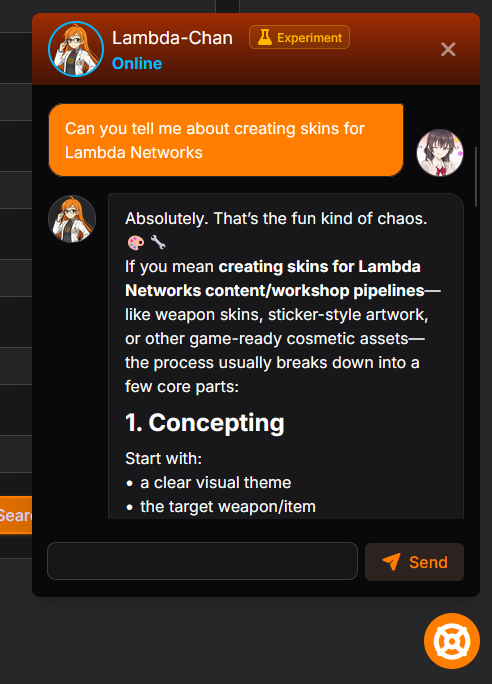
This is a feature we've wanted to do for a while and is now available on Lambda Labs as an experiment.
We want content creation to be a collaborative experience and Discord is pretty bad for indexing and finding information.
So we've introduced today a new feature: User Guides
Currently only available in the Content Creation docs space, once opted in to the experiment, you can start creating community driven documentation.
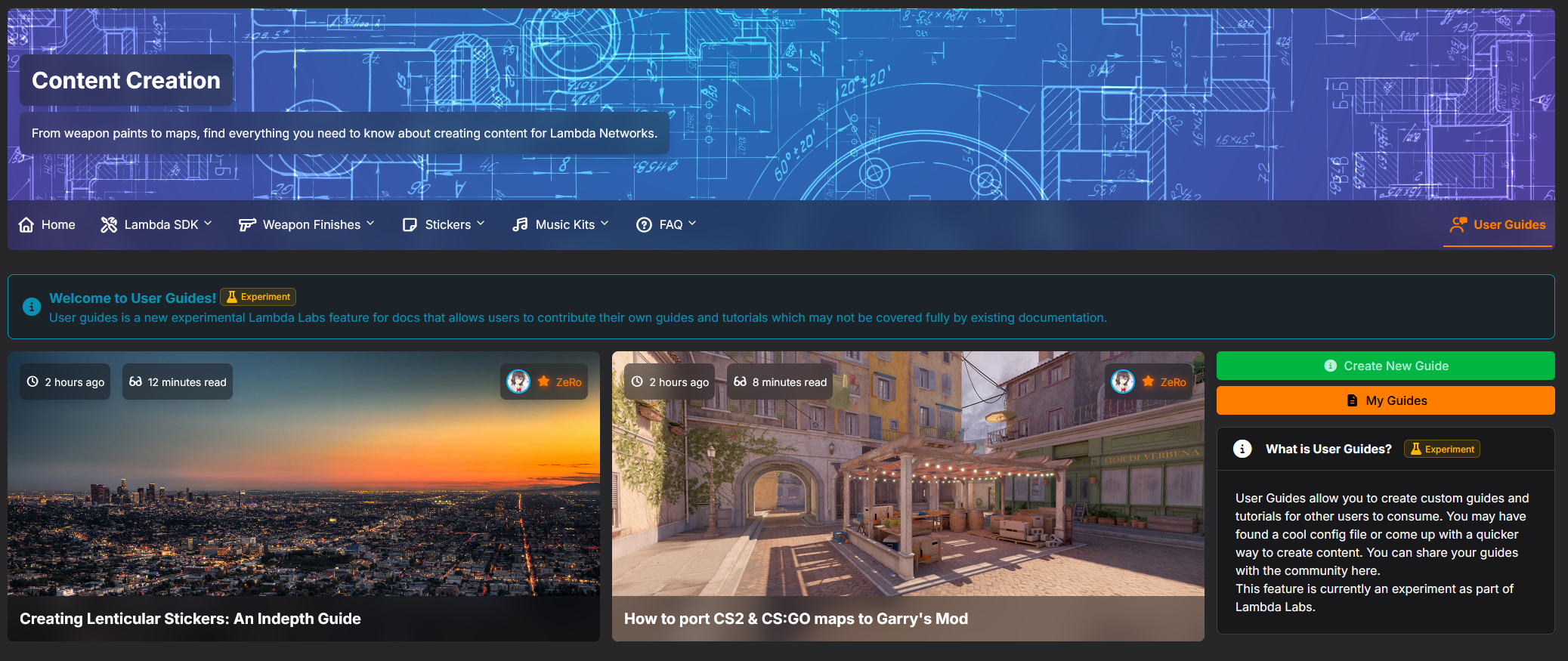
You have full control over your own created guides, all created guides are unpublished by default, however you can iterate and view your guide in real time.
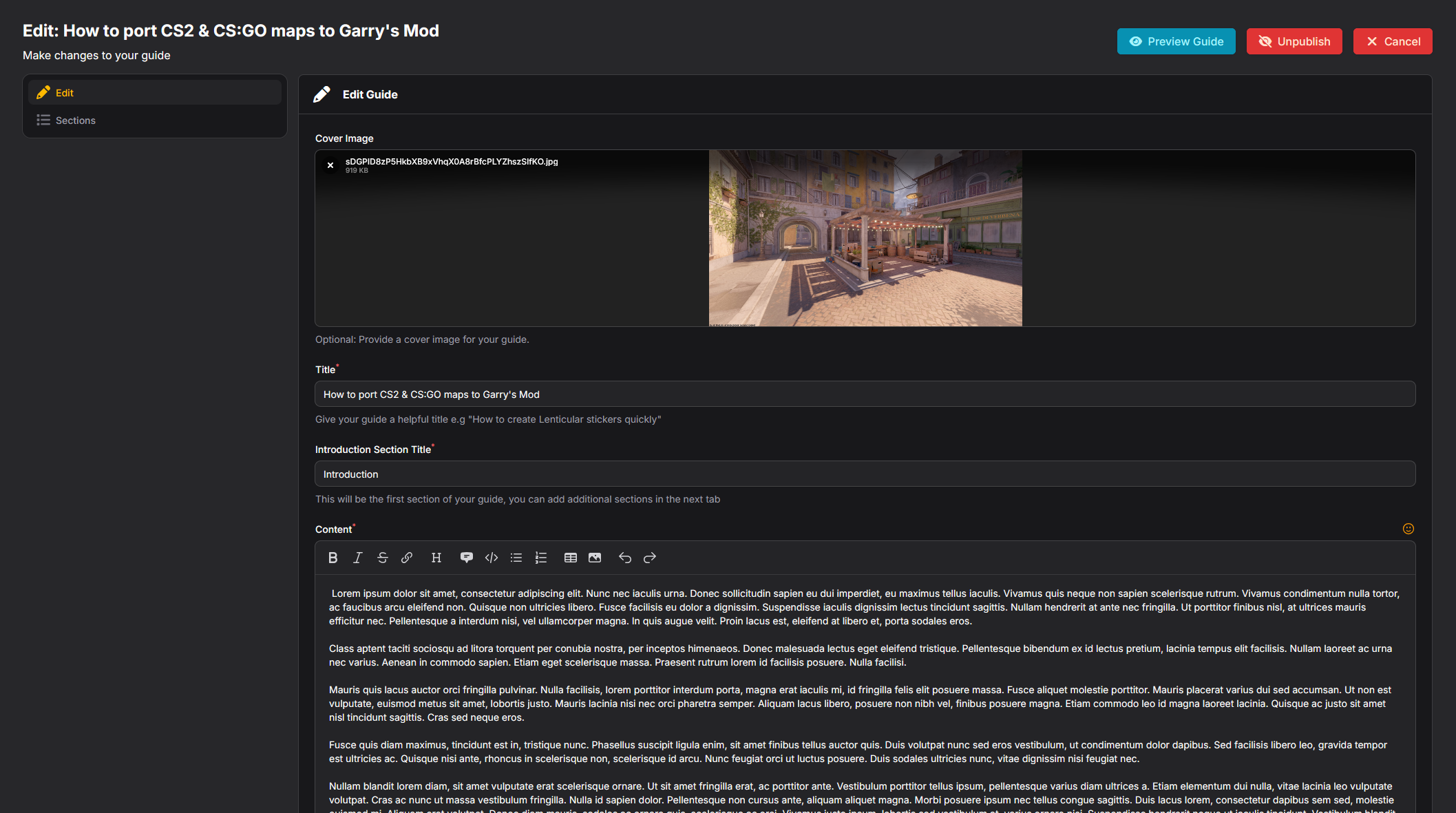
In addition, you can split up your guide in to sections, similar to how we do with news posts.





 Counter-Strike: Global Offensive
 Counter-Strike 2
 Left 4 Dead 2