In order for a weapon to be able to have a paint kit, it must have some textures prepared.
All stock weapons can have paint kits, and these textures already exist. You only have to provide the following:
Pattern Texture (Also known as a diffuse or colour texture)
Bump Map (Custom Paint Job and Gunsmith Styles only)
Colour Mask (Animated & Chromatic Styles only)
Glow Mask (If Glow in the dark is desired)
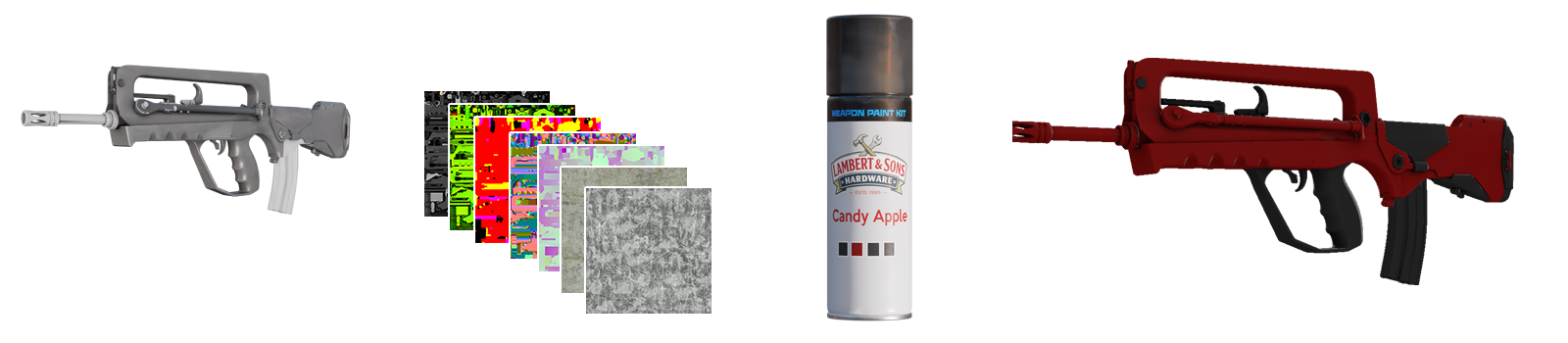
A compositing system combines the information from the paint kit with the information from the weapon's textures to create a believable application.
Paint Kits are relatively simple. These control things like the colour, pattern and the surface finish.
Important
Do not include grime, scratches, ambient occlusion or the weapon's base texture in your pattern texture. The composite system will do this for you.
Texture Overview
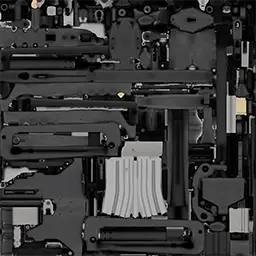
Weapon Base Texture
This is the texture you'll see when the weapon has no paint kit applied to it. This texture is used to show default parts of the weapon on certain paint styles such as Anodized Multi-colored. On styles such as Solid Colour, it ensures that shells and other critical weapon mechanisms are always accurate.
Ambient Occlusion & Cavity Texture
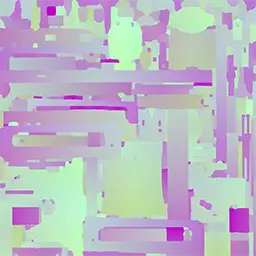
The name of this texture is a bit misleading. While we don't have Ambient Occlusion as seen in modern engines with PBR (Physically Based Rendering), this texture does apply some ambient occlusion to the weapon. This texture also provides a cavity mask which determines which parts of the weapon wear first; places which are touched the most wear first. Lastly, this texture provides modulation on the legacy models to prevent finishes looking flat.
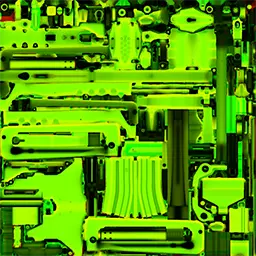
Paint By Number Mask
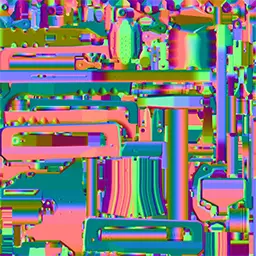
Instead of splitting the weapon up into different material slots like we did previously, the composite system expects a paint by number mask. This mask uses the R, G, and B channels to define which areas of the weapon are painted. Each weapon has a default mask, however if a non-custom style paint requires a custom mask for design reasons, you may provide your own.
Surface Texture
This provides surface information for the composite system for triplanar mapping on Spray-Paint and Anodized Air Brushed styles.
Position Texture
For Spray-Paint and Anodized Air Brushed styles, we use a pattern application called triplanar mapping. This texture provides model information in 2D space as we do not have mesh information when rendering the composite system.
Grunge Texture
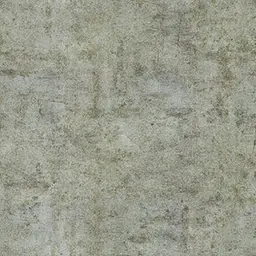
As part of the wear system, grunge will apply to certain parts of the paint depending on values in the cavity mask. Grunge usually applies on top of painted areas before the paint is scratched off. This texture is randomised for each weapon in different x, y and rotation.
Scratches Texture
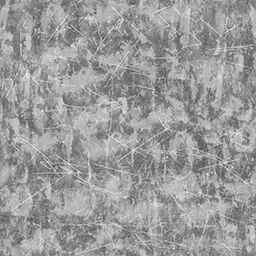
This texture provides simple scratches for the weapon paint, and brighter areas determine which parts of the wear are shown first. This texture is randomised for each weapon in different x, y and rotation.
Pattern Texture
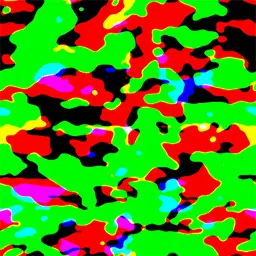
This is a texture created and provided by you. For Spray-Paint, Hydrographic, Anodized Multi-colored and Anodized Airbrushed, it's a pattern split into three channels: Red, Green and Blue. This pattern is then recoloured by the composite system. These patterns can be used for millions of different combinations. For Patina, Custom, Gunsmith, Animated and Chromatic, provide a regular texture in the intended colour values.
Bump map
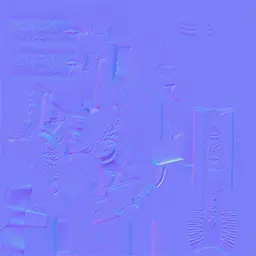
For Patina, Custom Paint, Gunsmith, Animated and Chromatic styles, you can provide a bump map. Bump maps can give the weapon finish an appearance of depth and bumps without adding more detail to the model itself. For more information, see Bump Maps.
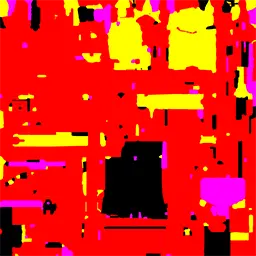
Colour & Animation Mask
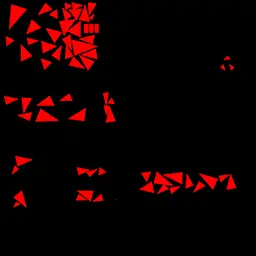
For both animated and chromatic styles, you can provide a colour mask to replace parts of your weapon finish with up to three colours. In the example to the right, only the red channel is used (So only one colour is changed), however you can use the green and blue channels to have two more colour varieties if you wish.
Glow Mask
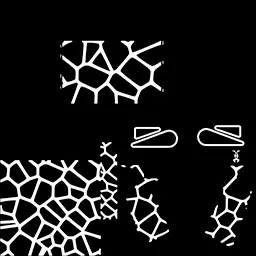
If enabled, you can specify certain areas of your weapon finish to effectively "glow in the dark". Areas in white will glow regardless of ambient lighting while black areas will be lit normally.


 Counter-Strike: Global Offensive
 Counter-Strike 2
 Left 4 Dead 2