👻 Psst Use code SPOOKY2026 at checkout for 30% off on the Lambda Store up until
Lenticular stickers are a sub-style of Holographic.
Before attempting to create a Lenticular sticker, you should read about the Holographic style first as this page will only cover specifics about creating a Lenticular style compared to a traditional Holographic sticker.
As with Holographic styles, Lenticular requires two additional texture inputs on top of the base texture:
For Lenticular styles, you MUST specify your own Holographic Spectrum texture. You cannot use a default Holo Spectrum texture, as these are designed for Holographic, not Lenticular.
Most of the magic happens with the Holo Mask.
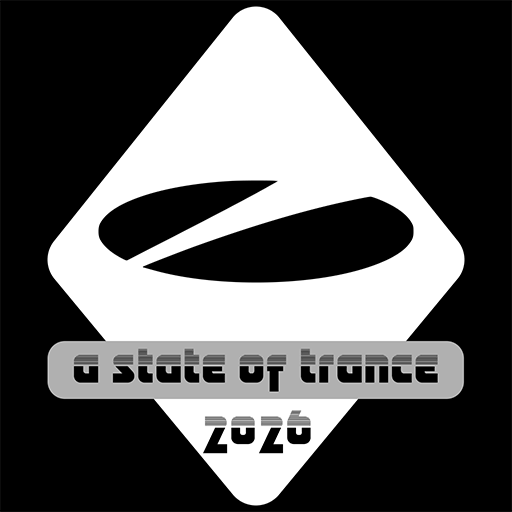
As with Holographic stickers, the Red channel defines areas of the sticker which should receive the Lenticular effect. In this case, the diamond shape receives a 100% effect (255 / 1.0) and the text bar receives a 69% (176 / 0.69) lenticular effect, while anything that's pure black uses the sticker base texture.
As mentioned in the Holographic documentation, the green channel can be used to specify the horizontal offset of the holographic spectrum.
In this case a gradient is used between 164 and 222, so this shows some of the spectrum horizontally.
If, for example, you had a gradient between 220 and 223, only 3 horizontal pixels of the spectrum would be shown.
Pure black is excluded.
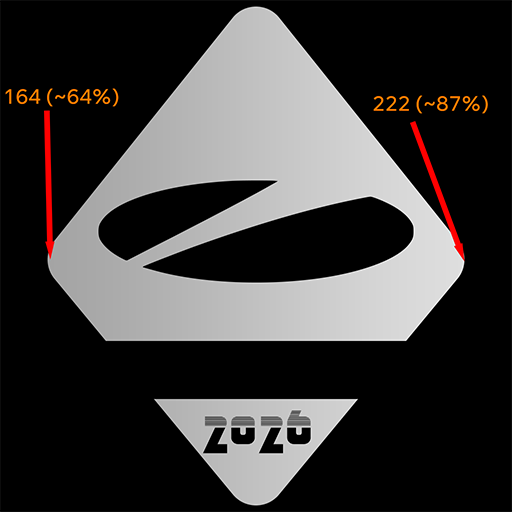
The Blue channel works similarly to the Green channel, however this is used to specify the vertical offset of the holographic spectrum.
You start from dark (top of the spectrum) to light (bottom of the spectrum).
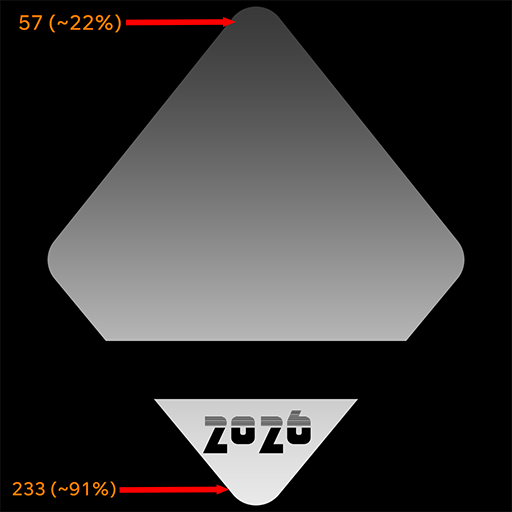
This results in showing most of the spectrum in the gradient area.
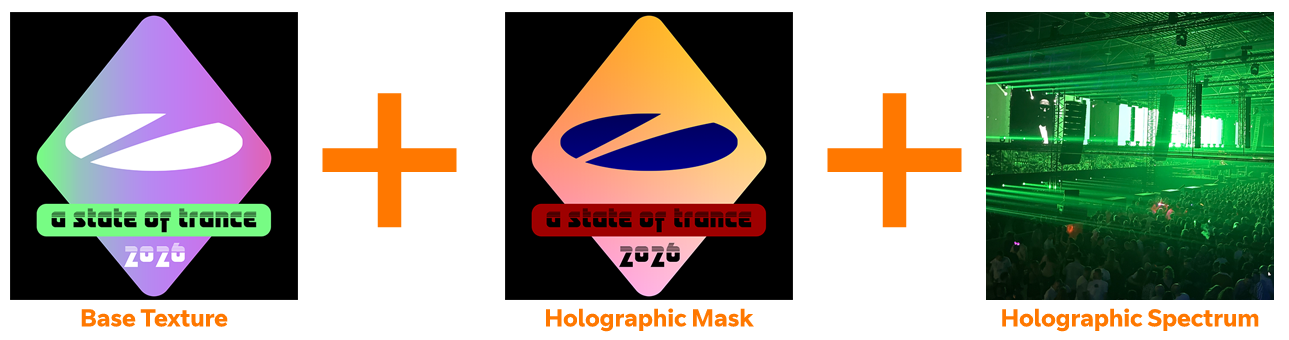

Using the positional information in the Blue channel, you can split your Holographic spectrum into two parts:
Let's take a look at the Rotterdam (Lenticular) Sticker from the ASOT 2026 Sticker Capsule

You'll notice the skyline area has an image lenticular while the text has a holographic gradient.
Let's take a look at the Holographic spectrum first.
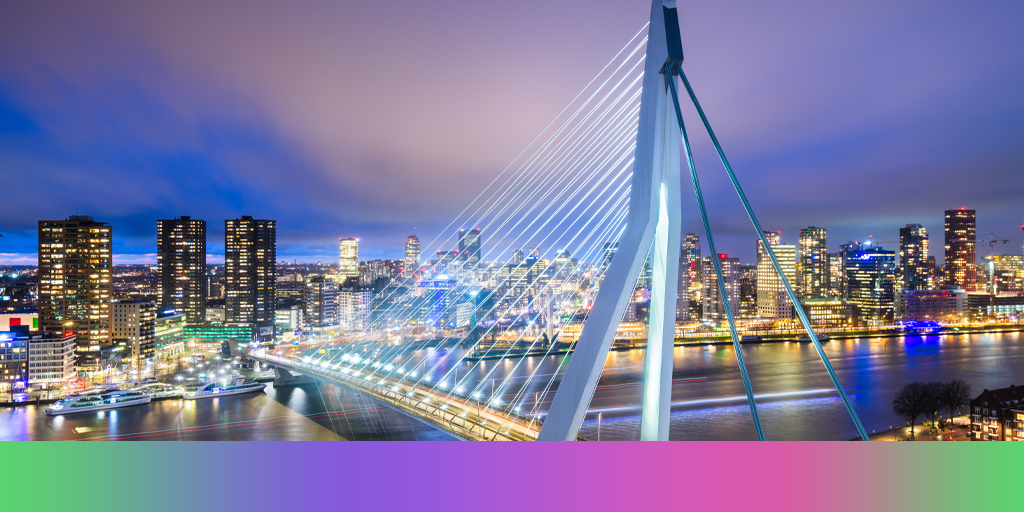
As you can see, the top of the image has the Rotterdam skyline, while the bottom of the image has a gradient.
Now let's look at the Blue channel of the Holographic mask, the channel that defines vertical spectrum ranges.
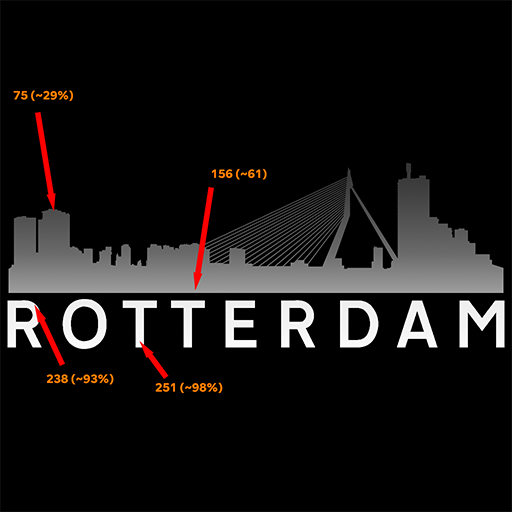
As we can see, the Skyline area of the Blue channel uses darker colours (Starting at the top) while the text uses lighter colours to read from the bottom of the spectrum.
It's best to think of the colours as a Y-axis position map rather than colours, with 1 being the top of the image and 255 being the bottom.

 Counter-Strike: Global Offensive
 Counter-Strike 2
 Left 4 Dead 2