👻 Psst Use code SPOOKY2026 at checkout for 30% off on the Lambda Store up until
Once your sticker looks right in Printworks, publishing is a two-step process: export your sticker kit from Printworks into Lambda Citadel, then compile and publish the project from Citadel.
Before exporting, save your work by going to File > Save (or CTRL + S).
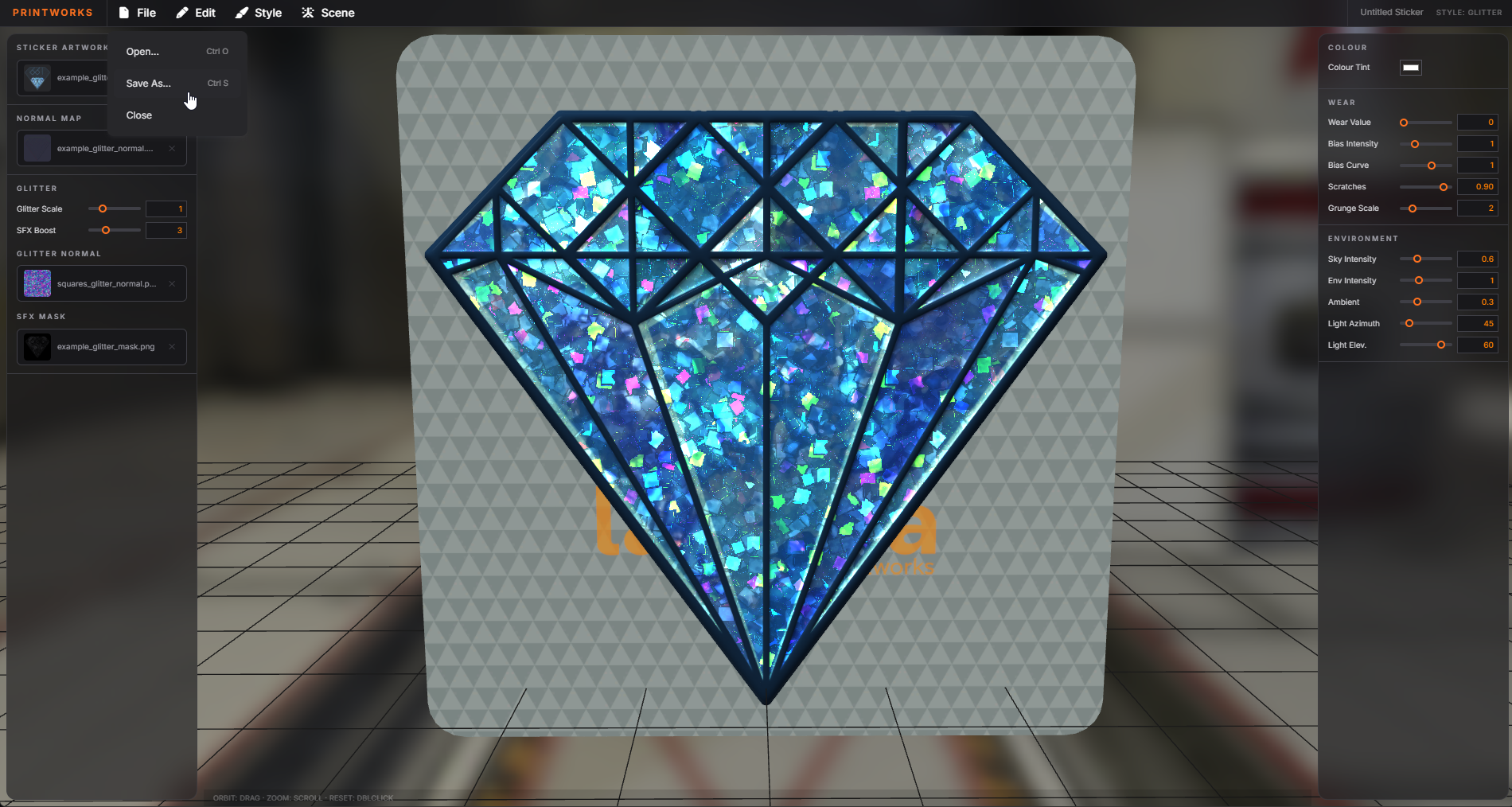
This saves your sticker as a Lambda sticker kit (.ldc) file, which keeps your artwork and settings together so you can load it back into Printworks later.
A Citadel export contains the compiled output and cannot be loaded back into Printworks. If you want to edit your sticker again later, make sure you have saved a .ldc file first.
When your sticker is ready to publish, click "Export to Citadel". Give the project a unique name, confirm or edit the authors list, and confirm the export.
A sticker kit project is created and you are redirected to its Lambda Citadel workspace.
From the Citadel workspace, compile your project and upload it to the Lambda Workshop. See Publishing for a walkthrough of the compile checks and the publishing wizard.

 Counter-Strike: Global Offensive
 Counter-Strike 2
 Left 4 Dead 2