👻 Psst Use code SPOOKY2026 at checkout for 30% off on the Lambda Store up until
Creating a map that works with the Hostage Rescue gamemode is fairly simple. You need to define three entity types (CT Spawn, T Spawn, Hostage Spawns) plus two brush types (Hostage Rescue Zone and Buy Zones).
In this guide, I'll be working to convert gm_construct into a map for the hostage rescue gamemode.
Use the info_hostage_spawn entity to place where hostages may spawn.
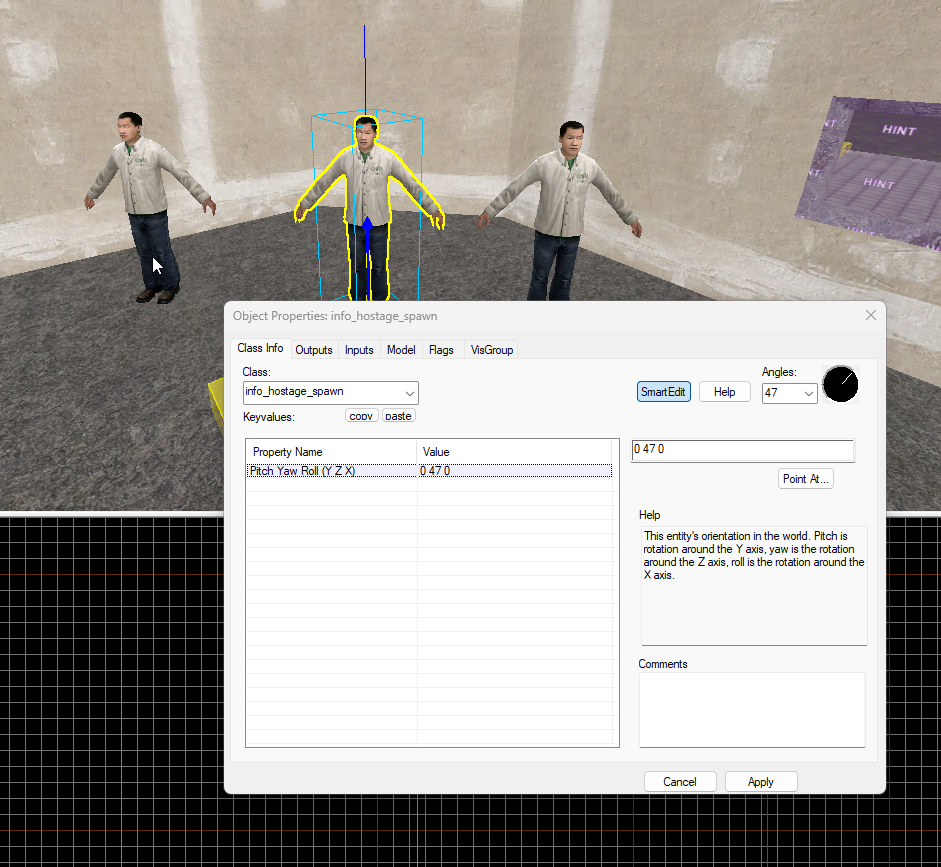
Hostages should ideally be spawned near where Terrorists spawn.
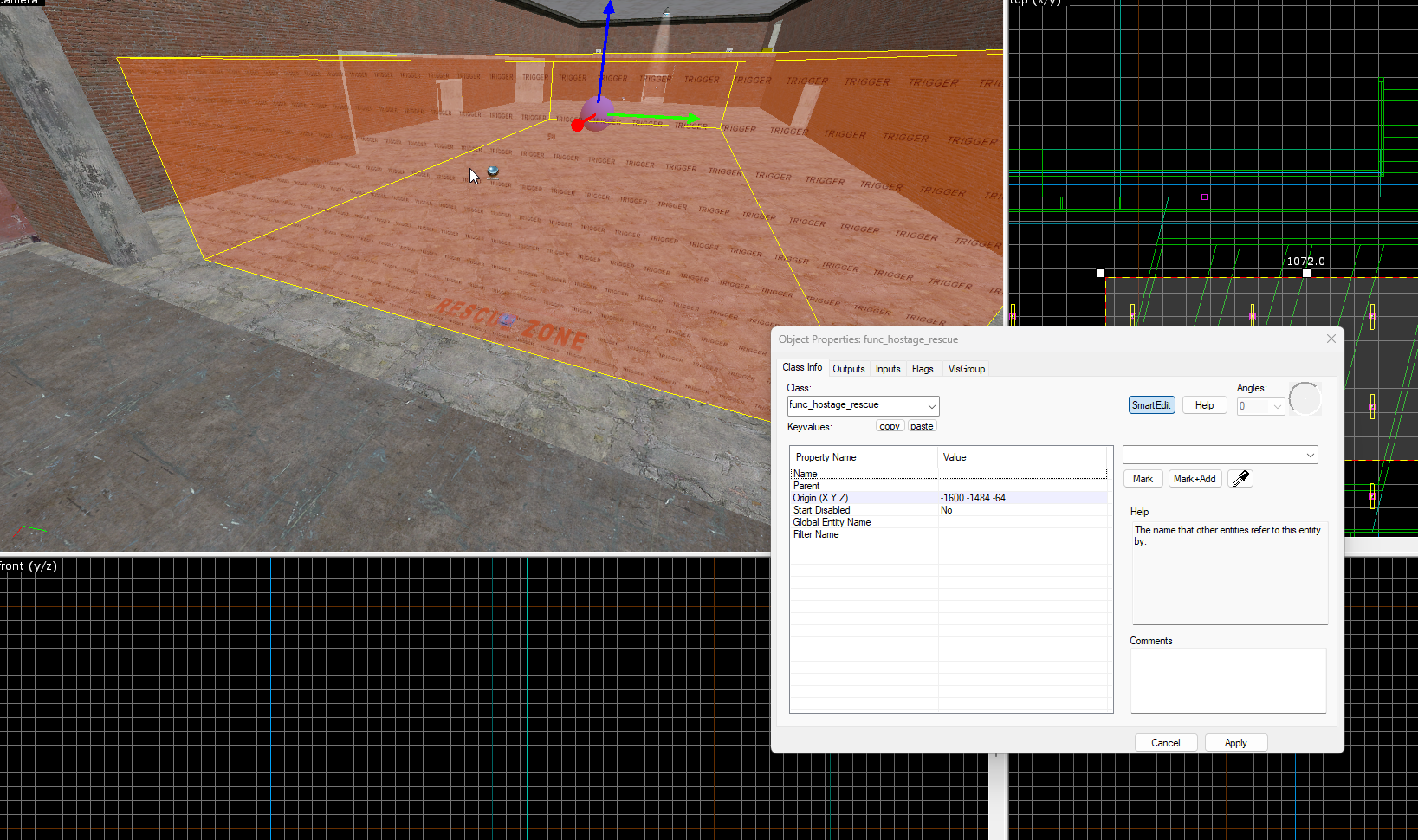
Similar to Buy Zones and Bomb Sites, create a brush with the tools/toolstrigger material and then press CTRL + T to tie it to an entity.
Select func_hostage_rescue.
The next step is to define where Counter-Terrorists and Terrorists spawn.
When you define spawn points, you'll also need to create another trigger entity for the buy zone.
We use the following entities for player spawning:
info_player_counterterrorist
info_player_terrorist
These are fairly obvious.
Use the entity tool to place a new entity; by default it will spawn info_player_start.
Double click on the entity to open the inspector and change it to either info_player_counterterrorist or info_player_terrorist.
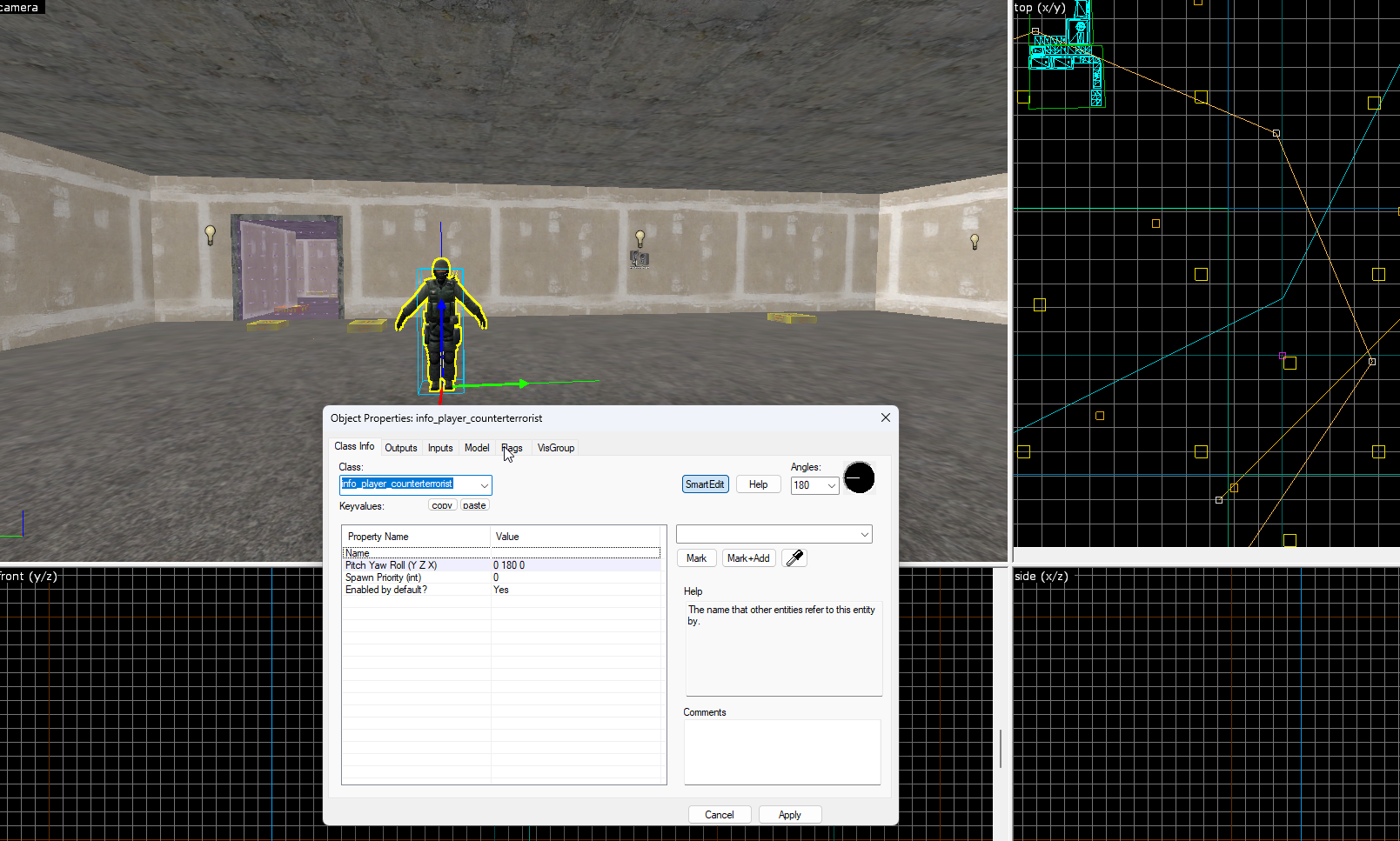
Once you've created one spawn point, you can use the Hammer++ gizmos, dragging left or right while holding down the SHIFT key, to duplicate it.
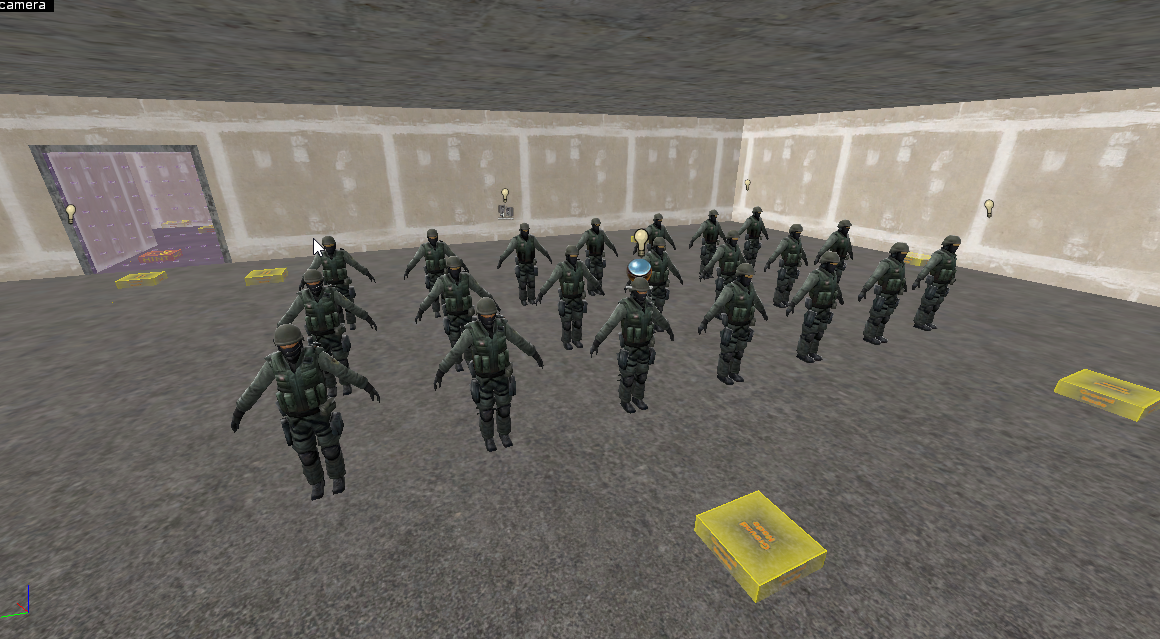
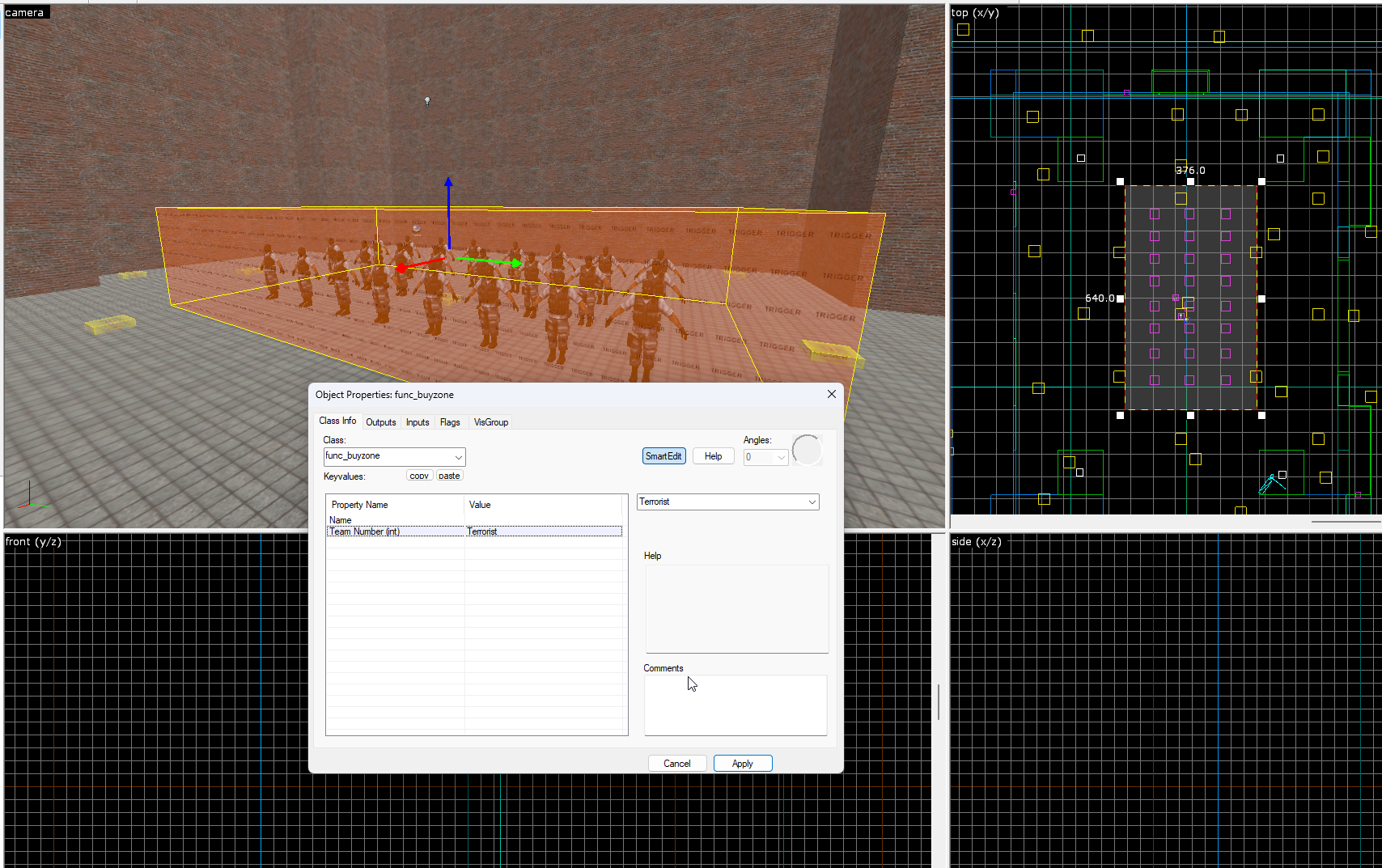
Similarly to creating a Bomb Zone, create a trigger brush that covers all of your spawn points.
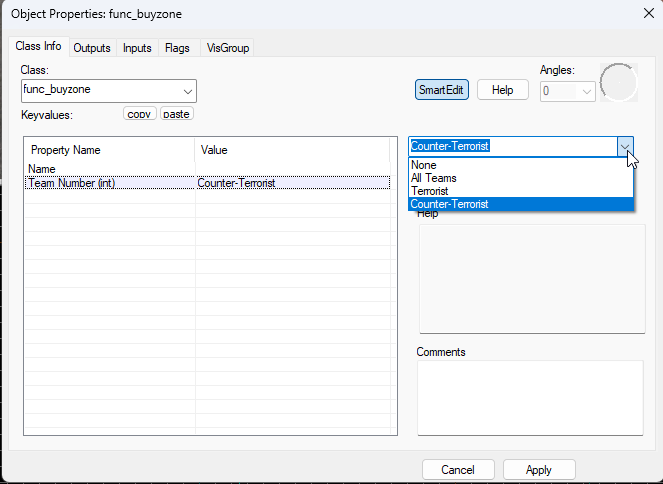
Press CTRL + T to tie the brush to an entity and then set the entity class name to func_buyzone.
Press "Apply" and then set the Team Number to the team the buy zone is intended for; in this case it's CT.
Repeat these steps for the Terrorist spawns with info_player_terrorist.


 Counter-Strike: Global Offensive
 Counter-Strike 2
 Left 4 Dead 2