👻 Psst Use code SPOOKY2026 at checkout for 30% off on the Lambda Store up until
Printworks is a tool for testing your sticker artwork and composite inputs to ensure it works with the Lambda Decal Compositing system.
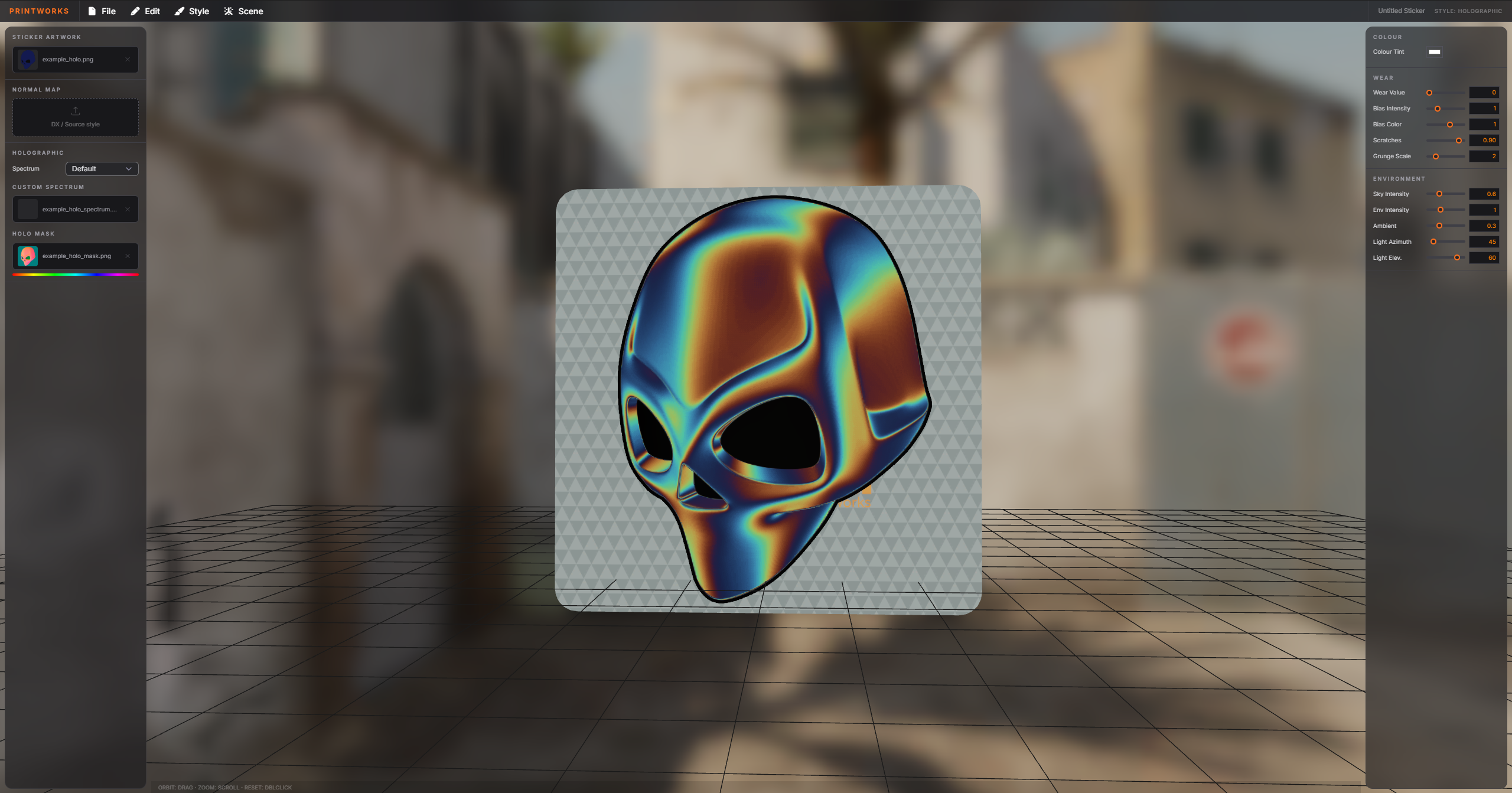
To get started with creating stickers, please see the Sticker Authoring Documentation.
Printworks supports all documented sticker styles, including:
Click on "Edit" and then "Project Settings".
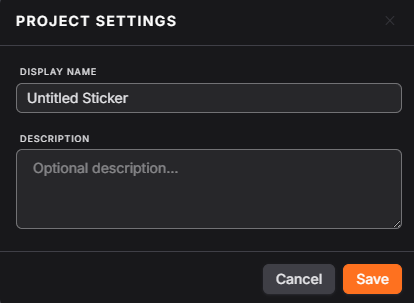
At minimum, give your sticker a name. You may also give your sticker a description, however this is optional.
We provide a variety of different scenes. These are skyboxes with their own lighting properties, and switching between them is a good way to test your sticker in different lighting conditions.
On the left side of the viewport is where you input your artwork and associated materials (e.g. Normal Maps and Masks).
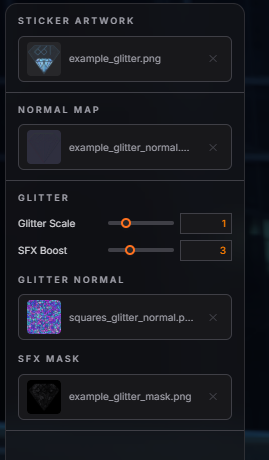
Each style has different material inputs, so ensure you've selected the correct style from the "Style" menu at the top.
On the right side of your viewport, you'll see settings for the sticker.
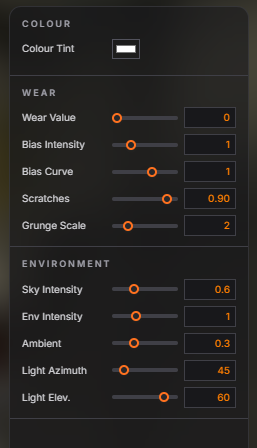
Here you can play about with the wear value and try out wear influences on your sticker.
Note that "Sticker Scratches" defaults to 1, which means scratches will be visible even in brand-new state.
To have scratches show only once the user starts scraping, set the Sticker Scratches value to 0.9.
You can also configure the environment, such as the influence of the sky on your sticker, its intensity, and much more.


 Counter-Strike: Global Offensive
 Counter-Strike 2
 Left 4 Dead 2