👻 Psst Use code SPOOKY2026 at checkout for 30% off on the Lambda Store up until
Holographic stickers are standard paper-backed stickers that use two additional textures to create a holographic light-warping effect.
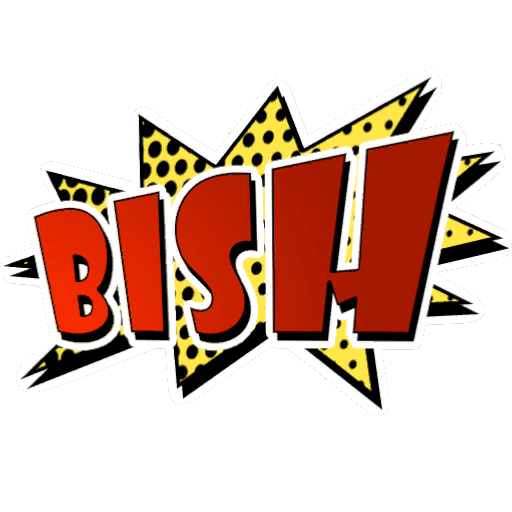

In addition to the base texture, you also need to provide the following:
The Holo Mask defines what holographic effects are applied to certain parts of the sticker:
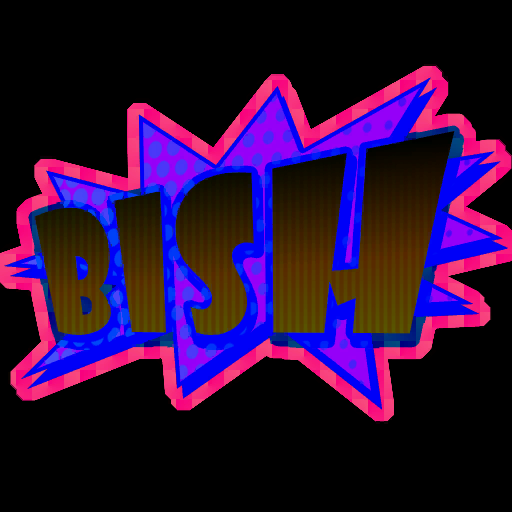
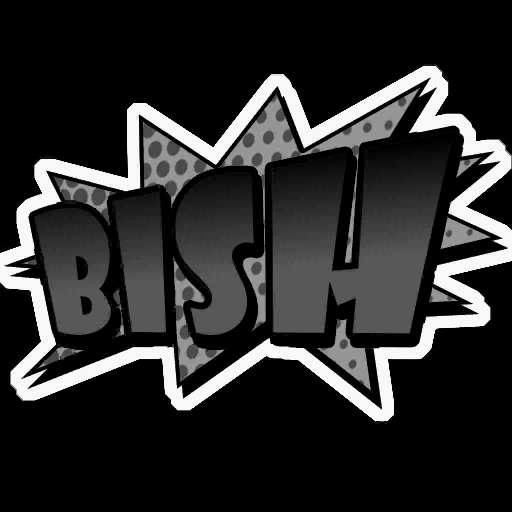
The Red Channel masks what areas of the base texture have holographic effects applied. Any areas not included (Black) in this channel will use the base texture's colour instead, as if those areas were still part of a regular paper-backed sticker.
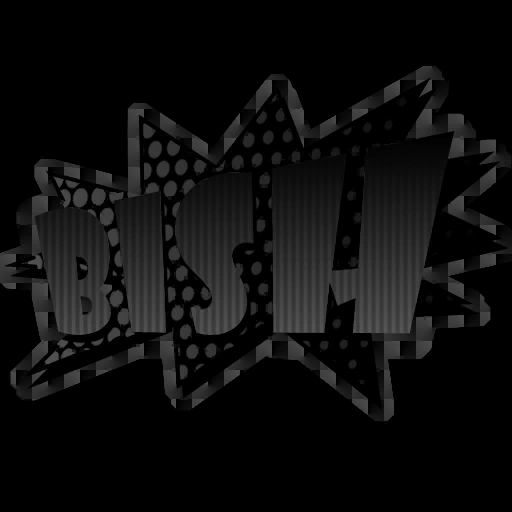
The Green Channel defines the warp pattern that will offset the horizontal sampling position from the Holographic Spectrum texture.
Note how the spectrum colour distortion follows the information in this channel.
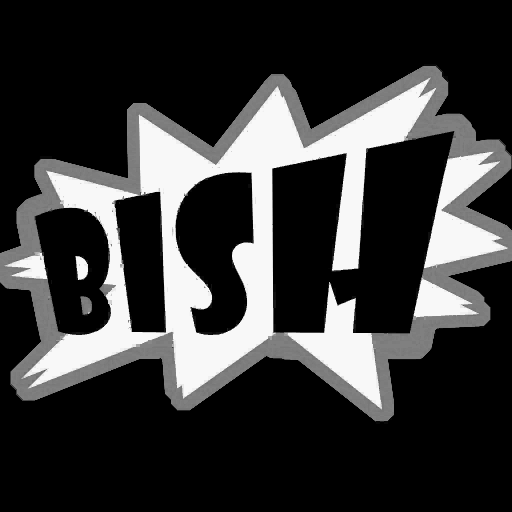
The Blue Channel defines the vertical offset read from the Holographic Spectrum texture. This can be used to create custom tinting or other special spectrum-based effects.
Looking at the animated example above, note how the lower areas of the spectrum texture feature desaturated regions. The whiter the values in this channel, the lower the colour drawn from the spectrum.
Think of it as a Y-axis position rather than a colour value. Values of 1 represent the top of the spectrum, while 255 represents the bottom.
Having the ability to define this allows some areas of the hologram to feature different colours, hues or saturation.
Taking full advantage of this, for example by using images, can lead to the creation of Lenticular stickers.
The Holographic spectrum texture defines the colour of the light warping effect at different viewing angles. You can either reference one of the default spectrum textures below, or create a new one if you need custom colour effects.

There are a number of default Holographic Spectrum textures available for Content Creators to use:
| Preview | Name | Path |
|
Default | shared/holowarp_default |
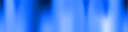 |
Blue | shared/holowarp_blue |
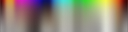 |
Brown | shared/holowarp_brown |
 |
Red | shared/holowarp_red |
 |
Green/Red | shared/holowarp_green_red |
 |
Red/Yellow | shared/holowrap_red_yellow |
 |
Silver/Gold | shared/holowrap_silver_gold |

 Counter-Strike: Global Offensive
 Counter-Strike 2
 Left 4 Dead 2